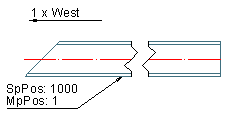
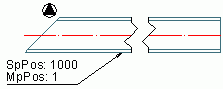
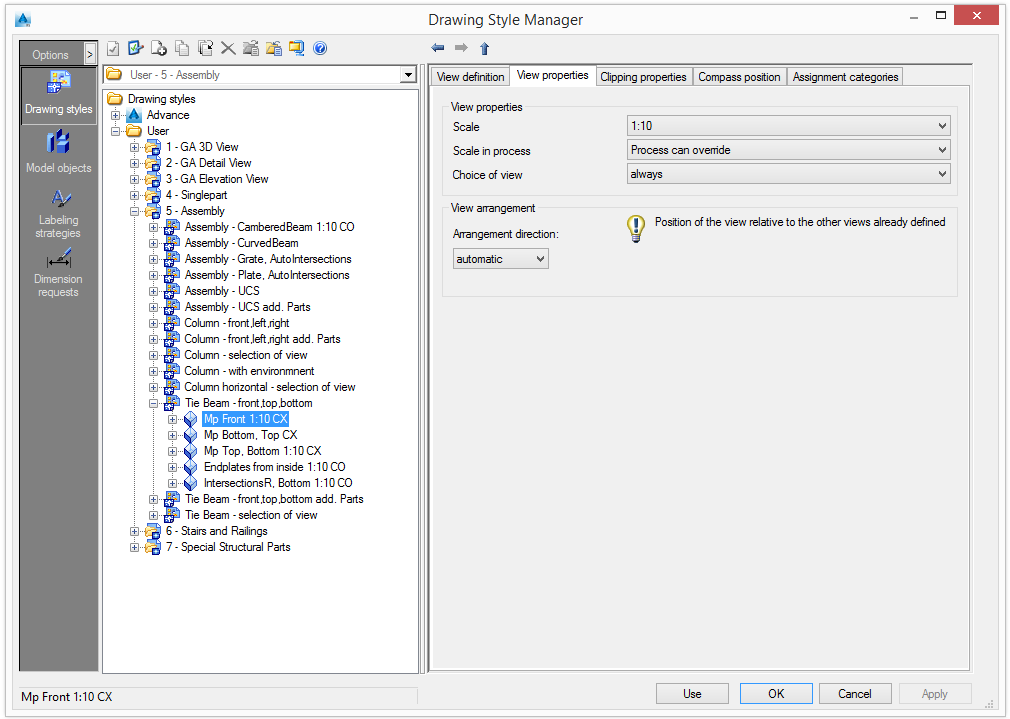
In the View properties tab, there is a selection of several other common properties for the view.
View properties
Set the view scale
Scale
From the list, select a default scale for the selected view.
Scale the process
Currently each view has a fixed scale. If a scale list is assigned to a process, the process can override the scales for the views. Normally the process assigns the same scale to all views. The scale is dependent on the main view.
If a process uses the current style, it is possible to define the view scale for each view. Three options are available:
| Scale in process | Description |
|
Fixed |
The process cannot override the view scale; the view scale is always used. |
|
Process can override |
The process can override the view scale |
|
Depend on main view |
This option is useful for cut views and sections views (if the view scales should be different than the main view scale). The view scale depends on the main view scale (first view). |
Choice of view
The choice of view defines whether the view is always created or created on interactive request. Using interactive request, a green frame, that can be selected, appears on the model.
View arrangement
The view arrangement is important for defining the layout of the detail.
The position of the view can be set relative to the position of the previously created views. The first view must always be set automatically because it is the reference for subsequent views.
Show compass
To display the compass in the drawings, check Show compass in the "View location" area.
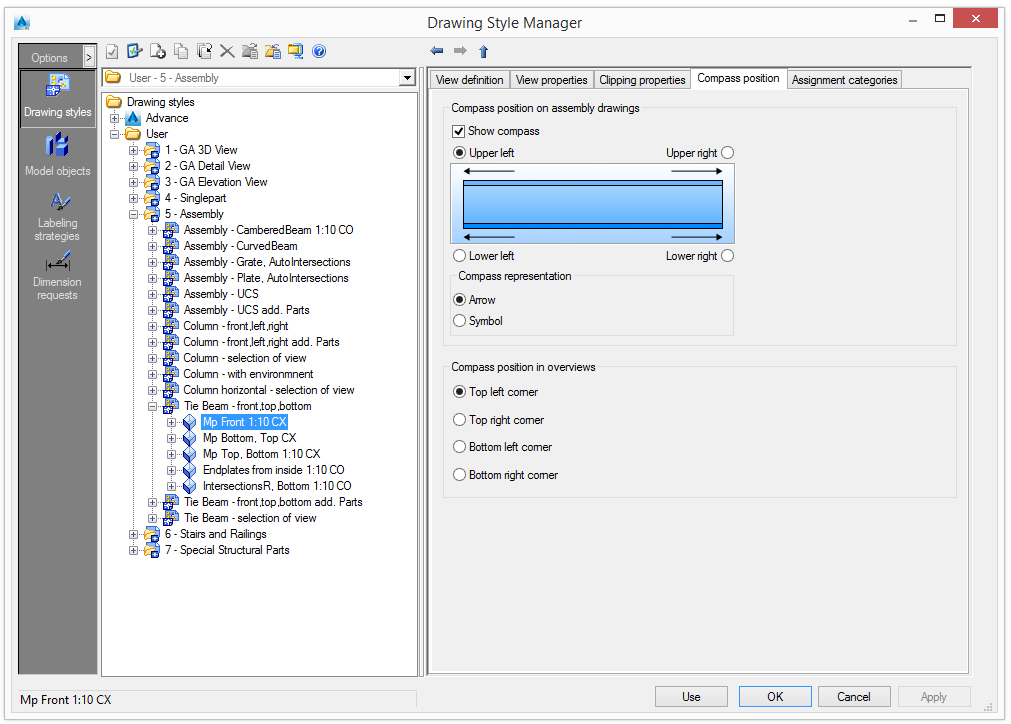
Select where to place the compass: upper left, upper right, lower left or lower right corner.
The compass can be displayed as an arrow or as a symbol. Check the desired option in the "Compass representation" area.