Defining a distance between views (always measured from the extreme object of the detail view) avoids overlapping of individual views on the drawing.
Several predefined distances are available for use.
Two functions are available for adding new strategies and modifying existing strategies.
| Button | Function |

|
Define a new strategy |

|
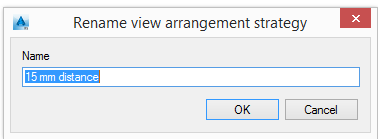
Rename a strategy |
Add a new strategy
- On the properties panel, click New .
- Enter the name for the new strategy.
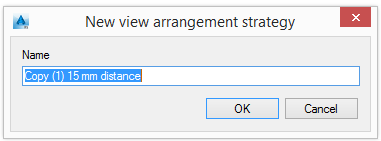
- Enter the distance between views for this strategy.
Rename a strategy
- Select a strategy to rename.
- Click Rename .
- Enter the new name for the selected strategy.