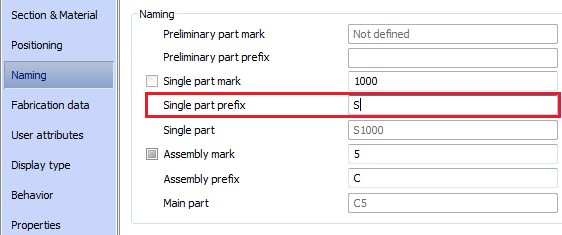
A text prefix, separate for single part and assembly marks, can be put in front of the part mark (e.g. columns can be marked with the prefix S).
To access the command
Ribbon: Output > Part Marks: 
Command line: _AstM5EqualPartsChangePrefix
To assign a prefix
- Select the structural parts for which prefixes should be added.
-
Output
tab,
Part marks
: panel: Click .
- Type on the command line the required prefix without spaces or special characters.
The assigned prefix is displayed on the Naming tab of the element properties dialog box. Prefixes are also assigned in the dialog box.
Example: