Using this command you can create a list that contains information about specific details in a drawing, based on your selection.
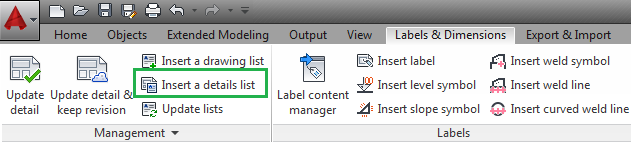
The command in located in the Labels & Dimensions tab > Management panel,:
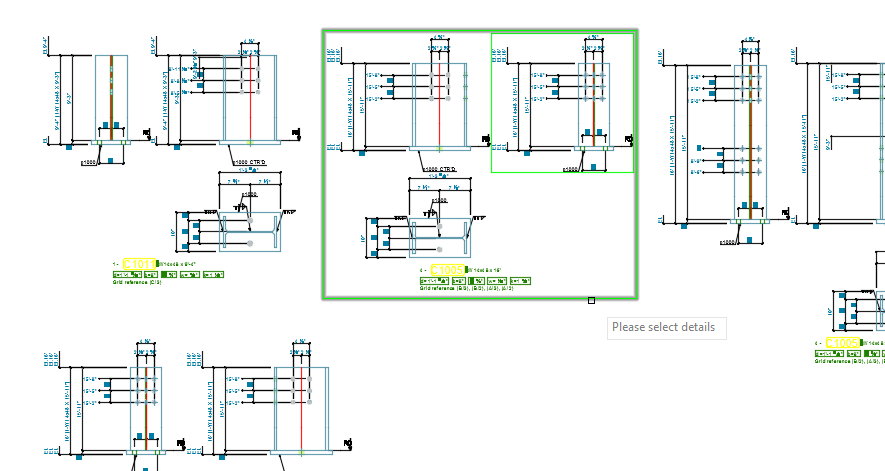
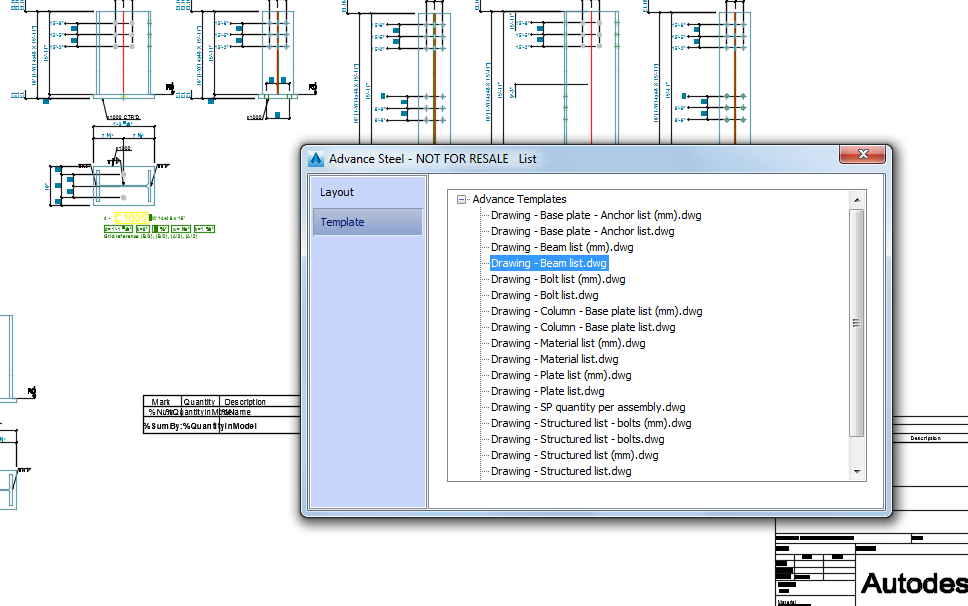
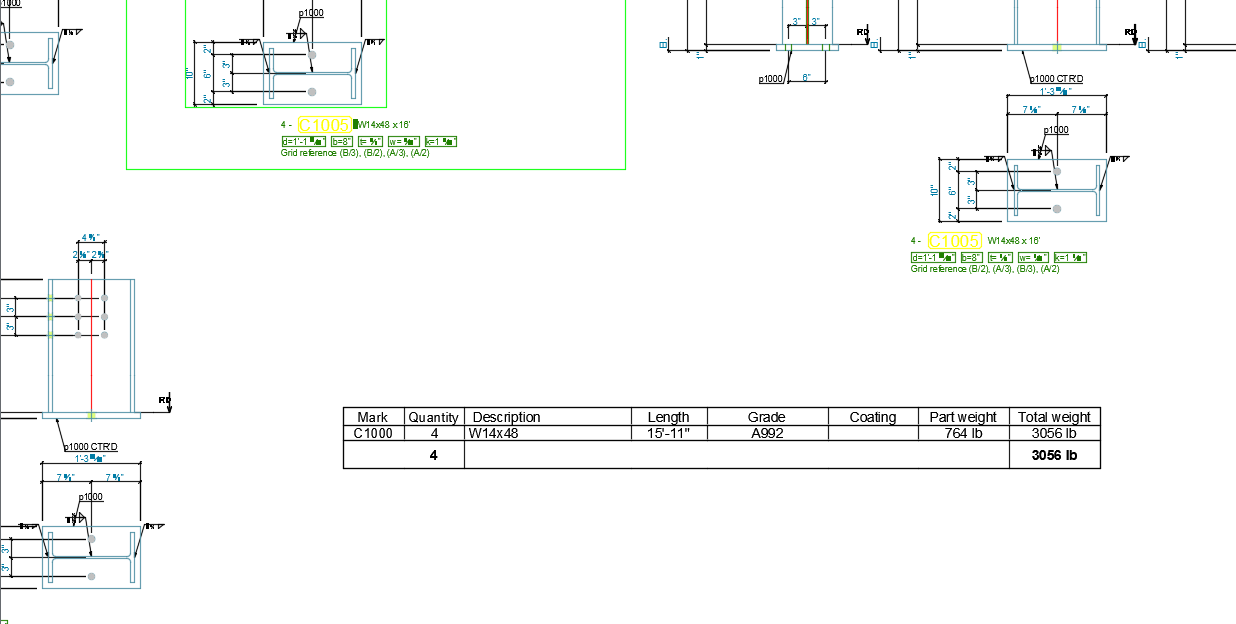
The workflow for creating a list for specific details is very similar to the one for creating a list for the entire drawing. However, before placing the list in the drawing, you need to select the desired details. All elements from the selected details will be evaluated in the list. The selection can include one or more details, including overviews.
| Detail Selection |
|
|
| Template Selection |
|
|
| Updated List |
|
|