Object selection settings define the objects that will be detailed by the selected style.
For example, the drawing style can use Single Parts, Main Parts or Complete model.
| Complete model |
All the objects in the model are detailed |
| Complete model with XRefs |
All the objects in the model and the linked external references (XRefs) are detailed. |
| Detail box |
With the appropriate definition in the model box, clippings can be defined from the model, e.g. node. |
| Detail box with XRefs |
Same as Detail box, linked external references are also detailed |
| Selection set |
Only the selected elements are detailed |
|
Single part |
Only the single parts are detailed |

| Single part and additional elements |
Only the single parts and additional elements are detailed |
| Main part |
Only the main parts are detailed |

| Main part with environment |
Main part with attaching parts and defined environment. In the model box, a XY- and a Z-viewport must be defined. |
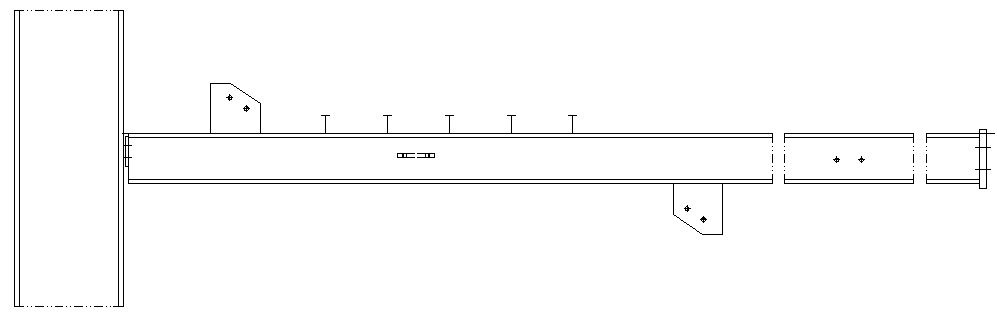
| Main part and additional elements |
The main part and additional Advance- and ACIS-solids |