Create a new category
- Click New
 .
. 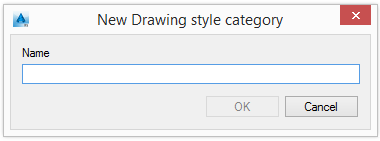
- Enter the category name.
The new category appears in the tree panel.
Note: Only empty categories can be deleted from the Drawing Style Manager. To delete a category, delete all the contained drawing styles.
Move a drawing style category
-
Select a drawing style.
- Click Properties
 .
. 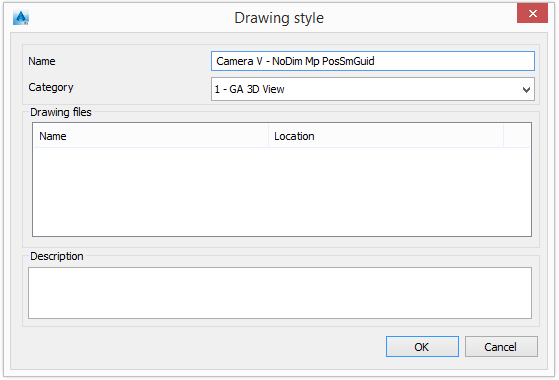
- Select a destination category.
The selected drawing style is moved to the selected category.
Tip: Use drag and drop to move drawing styles from one category to another.