Drawing styles can be used from inside the Drawing Style Manager:
- On the Output tab, click "Drawing Style Manager"
 .
. - Select a drawing style.
- Click Use. The "Drawing type" window appears.
- Modify the settings (as necessary) and click OK to confirm.
- Select the objects in the model.
- Enter the file name and the drawing number in the "Select destination file" dialog box. The drawing number field is automatically filled with the next drawing number.
-
In the "Prototype" area, select a drawing prototype file. A preview of the selected template is shown on the right.
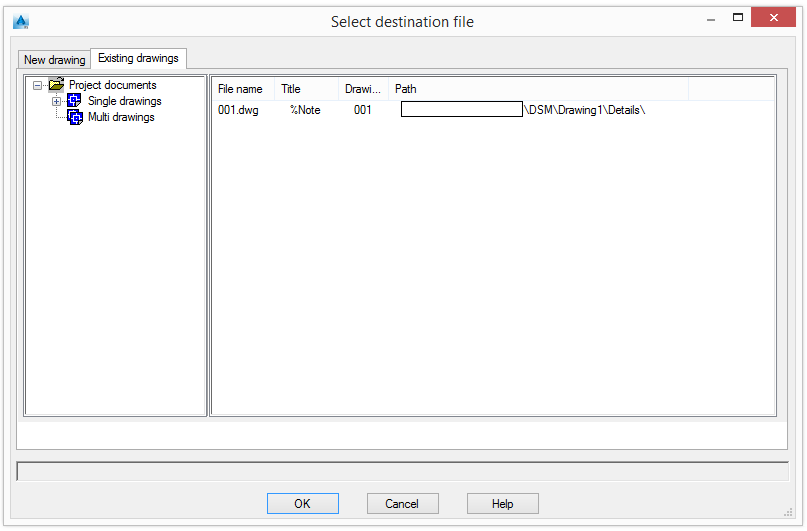
The Existing drawings tab displays the list of drawings.
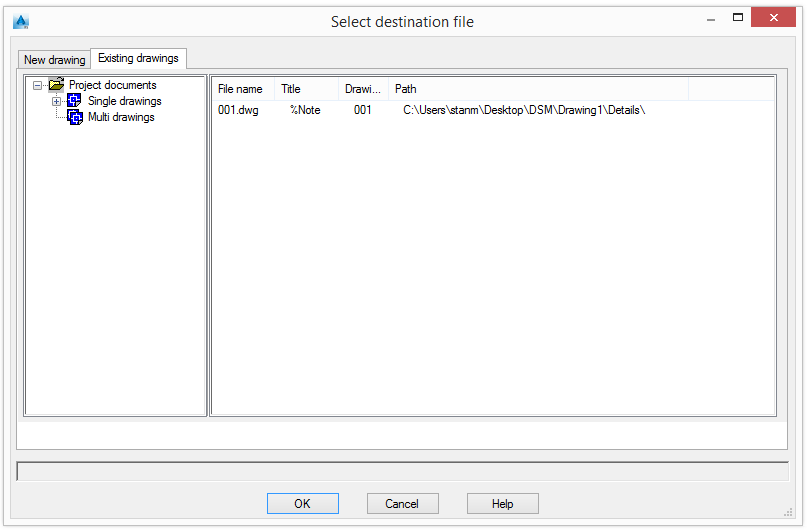
The drawings are grouped into two categories based on their number of details:
- Single drawings - one detail per drawing
- Multidrawings - several details per drawing
All detail properties such as name, title, state (current, deleted, update required, etc.), date of change, drawing style, process, etc., are displayed on the right panel.
The drawing is created and the Drawing Style Manager reappears.
-
Click Cancel to exit.
The styles can also be called manually using the _astm4CommDetailing User command and two numbers. The correspondence is available in the Drawing Style Manager' window
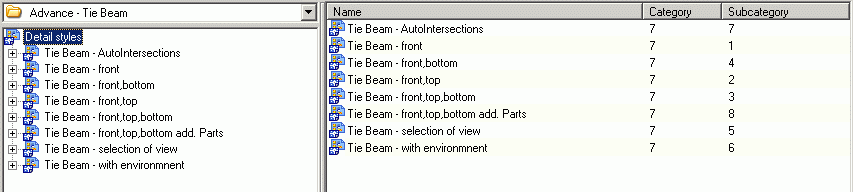
Figure 13: Opening styles from the command line
The Name column displays the drawing style. The first number stands for the base category (e.g. column, tie beam), while the second one stands for the subcategory.
Example: _astm4CommDetailing User 7 1 accesses the Tie Beam - front drawing style.