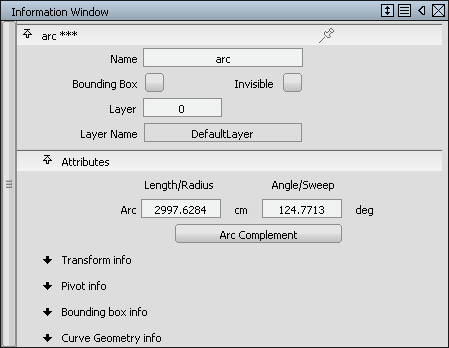
Keypoint curves retain more information than other curves. They remember relationships and constraints, and apply them when you edit the lines. You can also edit these special attributes in the Information Window.
For example, a keypoint arc has edit points and CVs just like a normal curve, but it also has a radius, sweep angle, and center point, all of which can be edited. During editing, the arc stays an arc: it does not lose its shape from keypoint editing.
When you combine keypoint curves into composite curves (for example, with the Line-arc tool), relationships between the individual lines and arcs are still maintained.
Keypoint curve tools create guidelines, which are very useful for aligning curves with each other as you draw.
Most tools that work on normal curves also work on keypoint curves.