Use the Information Window to view and edit information about the picked object(s).
Show basic information about an object
- Choose Object Edit > Query Edit
 .
. - Press the
 on an object.
 The Query Edit tool also shows construction history dependencies graphically:
- The object you clicked is drawn in yellow.
- Curves and surfaces used to construct the object are drawn in green.
- Curves and surfaces built from the object are drawn in blue.
- Multi-knots are highlighted with a red arrow.
Show information about an object even when it is not picked
- Pick the object, then click the
 icon next to the name of the object.
The object will be shown in the information window whether or not it is picked. To get rid of the information, click the icon again.
View and edit object properties
- Choose Windows > Information > Information Window
 .
. 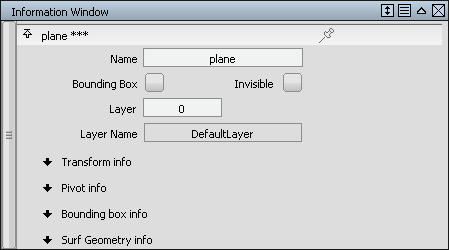
The Information window always displays the information for the picked objects.
Tip:When more than one object is picked, the different objects are displayed under collapsible headings with their names.
Edit information about an object
- Choose Windows > Information > Information Window.
- The information window opens, showing information about the picked objects:
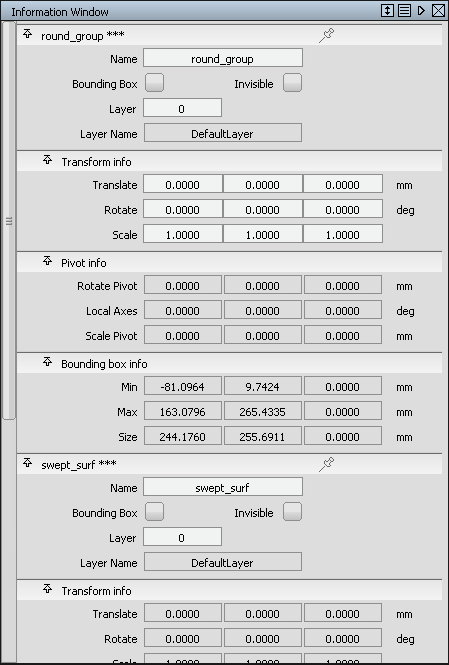
Checkboxes can be set and unset to change the visualization of data. Information in white cells can be edited.