Move a picked object
- Choose Transform > Move
 .
. - Drag the mouse buttons to move along the different axes, or type location values for X, Y, and Z.
Mouse button actions in different window types
| Drag... | In Window Type... | To Do This |
|---|---|---|
|
|
Orthographic | Move freely in the view axes. 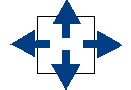 |
| Perspective | Move along the X axis. 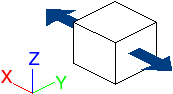 |
|
|
|
Orthographic | Move horizontally. 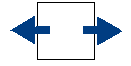 |
| Perspective | Move along the Y axis. 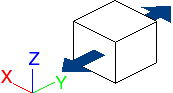 |
|
|
|
Orthographic | Move vertically. 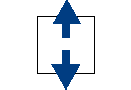 |
| Perspective | Move along the Z axis. 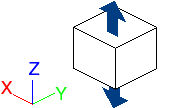 |


Move a picked object using the universal transform manipulator
- Choose Transform > Transform
 .
. - To move the object along an axis, drag an arrow.
To move the object freely, click an arrow, then drag the star at the center of the manipulator with the mouse buttons.