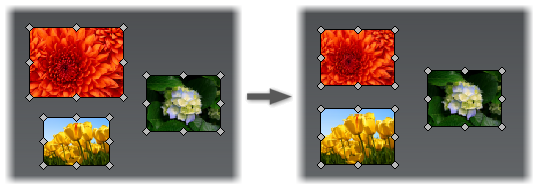
Use a new Set as Equal Size command to resize selected images to the same size.
In the graphic window, select an image to be used as a size pattern. Then hold CTRL, and select unattached images to be resized. Click Set as Equal Size. Sizes of all images are changed to match the first selected image.