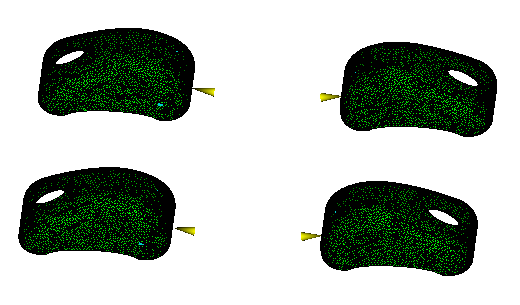
In this task, you will use the Cavity Duplication Wizard to create a 4-cavity tool.
- Geometry
Click
 ().
(). -
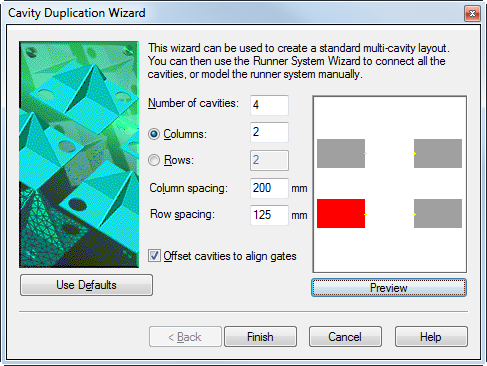
Enter number of Cavities 4.
-
Enter number of Columns 2.
-
Enter Column spacing 200.
-
Enter Row spacing 125.
-
Click Preview.
-
Click Finish.
This study looks like the image.