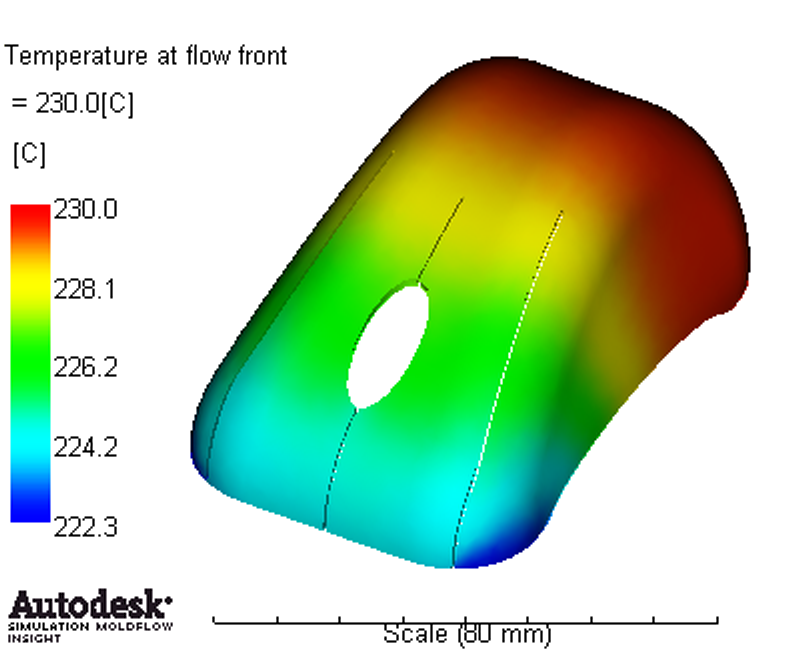
In this step, review the Temperature at flow front results.
-
Click Temperature at flow front in the Study Tasks list.
-
Rotate, Pan, and Zoom the model as necessary to inspect the fill time result.
-
Click
 () to animate the result. Use the other animation tools to see what they do.
 -
Rotate the part similar to the plot.
-
Click
 () to show the value at a specific location on the part. Use the CTRL key when clicking the part to select more than one location.