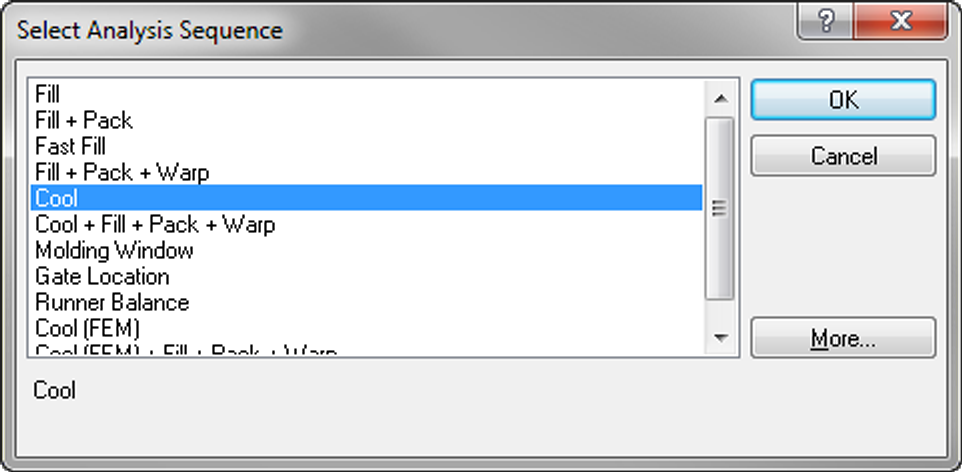
In this task, you will use the set the analysis sequence to Cool.
Click (Home tab > Molding Process Setup panel > Analysis Sequence).
Select Cool.
Click OK.
Previous ¦ Next
 ().
().