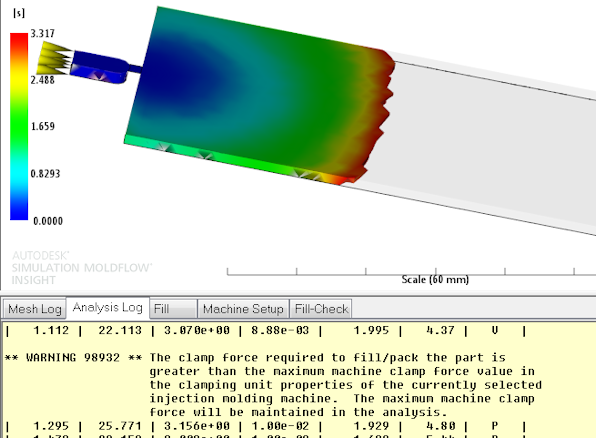
The Do not exceed maximum clamp force option, which is already available for use with Dual Domain and Midplane models, has been implemented for the 3D flow solver. This feature can be used to determine whether a part will fill in a specific molding machine with a known clamp force.
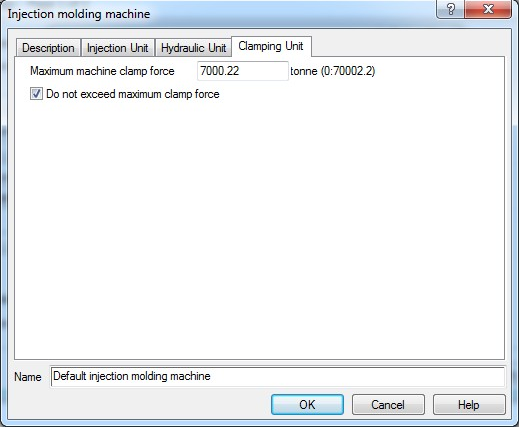
To access this feature, click  (), and click Advanced options. Click Edit associated with Injection molding machine, and select the Clamping Unit tab.
If the Do not exceed maximum clamp force option is checked, and the maximum clamp force is exceeded, you will see a warning in the log similar to the one below: