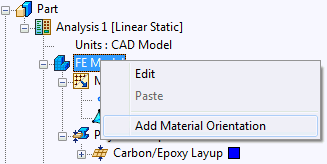
- Right-click on
FE Model and choose
Add Material Orientation.
- Under Type select Surface U Direction.
- Select the five surfaces in the model. They should appear under
Oriented Geometry.
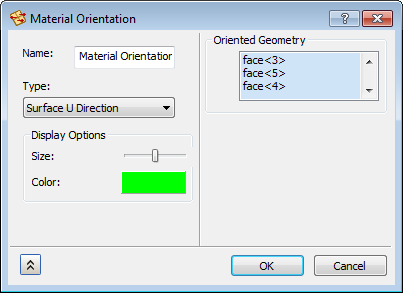
- Click
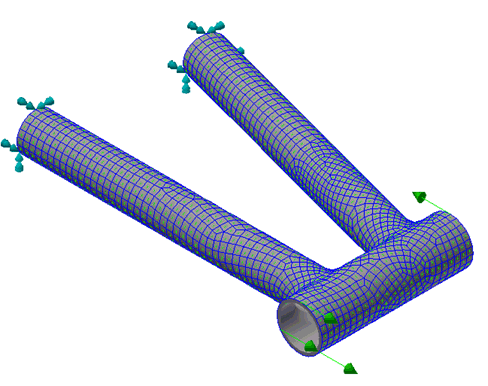
OK to create the material orientation. Notice the little green arrows that appear. These identify the “0 angle” direction.