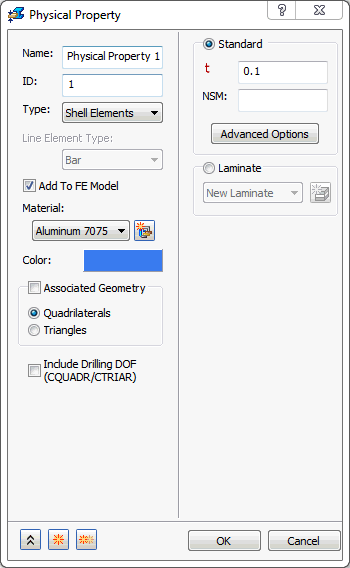
Define the Physical Properties
In the tree view, right-click on
Physical Properties
and choose
New
.
Select
Shell Elements
from the
Type
drop-down menu. Enter
0.1
in the
t
(thickness) field.
Click
OK
.
Parent topic:
Direct Transient Response of a Wing