Create a new material by loading aluminum alloys from the material library.
- Right-click on Materials and choose New.
- In the dialog, click on Select Material.
- The material tree is populated with the available materials. Under the
Aluminum Alloys category, select
Aluminum 7075 Heat Treated (T6) Wrought.
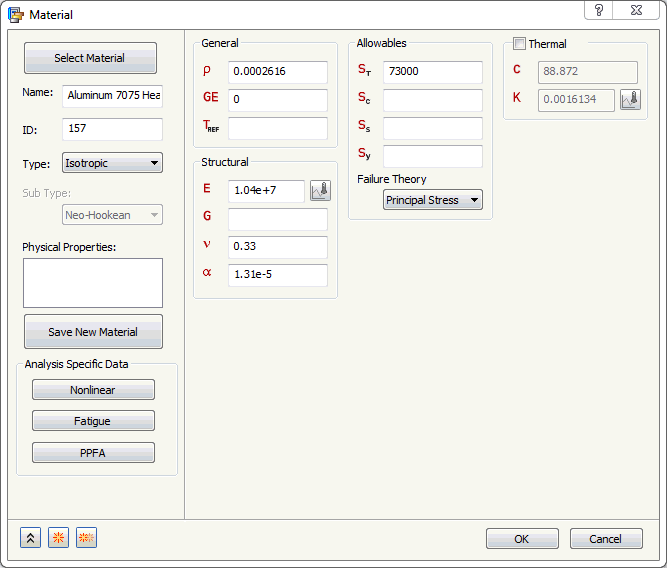
- Click Close and then OK to create the material.