- Right-click on Mesh Model and choose Edit.
- Type 2.0 in the Element Size field under Global Settings.
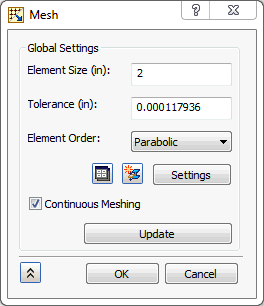
- Click OK to generate the mesh.
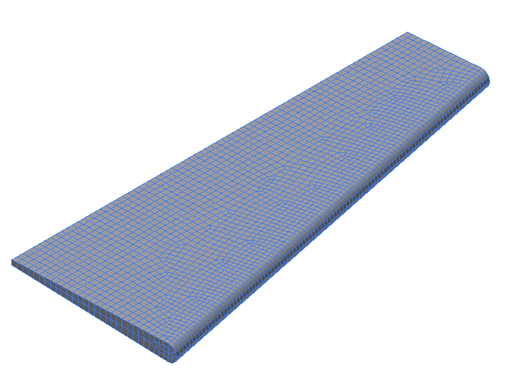
- The mesh should look as shown below.
 Typically, it is wise to define a material orientation for shell element models. However, this is not done in this case.