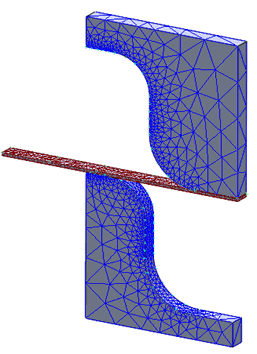
- Right-click on Mesh Model and select Edit.
- Enter the Element Size as 0.25 (m).
- Change the Element Order to Linear.
- Uncheck Continuous Meshing, as the mesh is solid mesh.
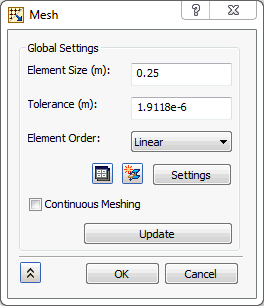
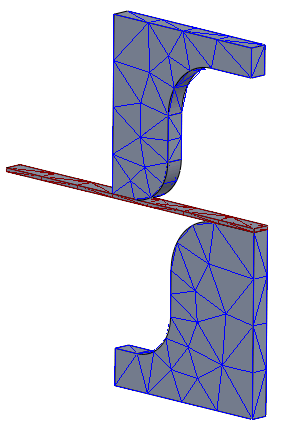
- Click on Update button to mesh the geometry.
- Click OK.
- Notice that the mesh is coarse. Hence, to have the proper contact elements to develop between punch and die with sheet, you have to create mesh control on edges.
- Right-click Mesh Model and select Add Mesh Control.
- Click on Selected Edges selection box to shift the focus from vertex data and select the edges on both sides, as shown in the image below.
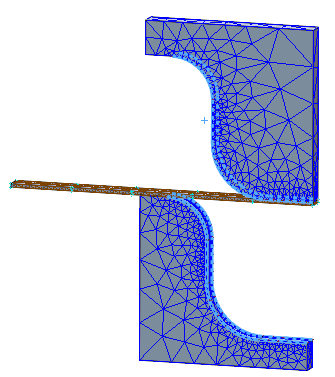
- Enter 20 for Number of Elements.
- Click on
 New button.
- Select the sheet slab's four side edges as shown in the image below.
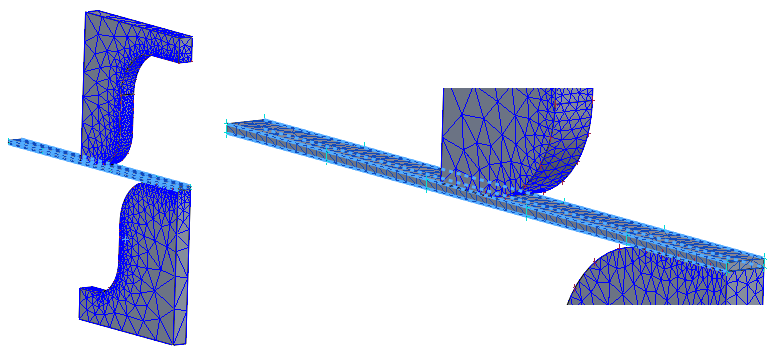
- Enter 50 for Number of Elements.
- Click OK.
- Right-click Mesh Model and select Update All Meshes.