- Right-click on Loads under Subcase 1 and choose New.
- Change the Name to Displacement.
- Select Enforced Motion as load Type and select Displacement as Sub Type.
- Enter
0.8 for
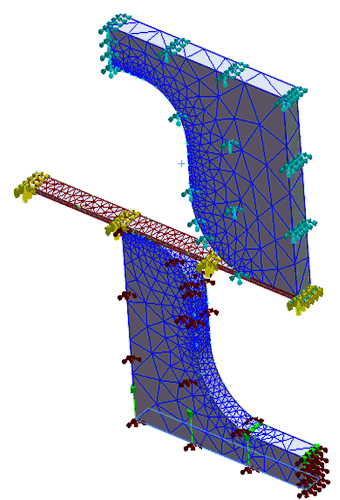
Ty and select the bottom face of the punch model where the constraint in Y direction is fixed.
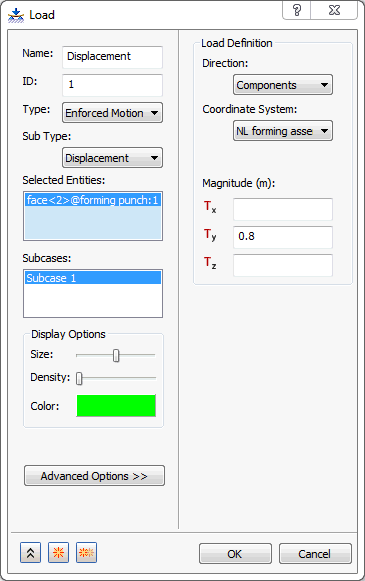
- Be sure that Subcase 1 is selected in the Subcases list.
- Click OK to create the displacement load.