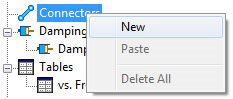
- In the tree view, right-click on Connectors and select New.
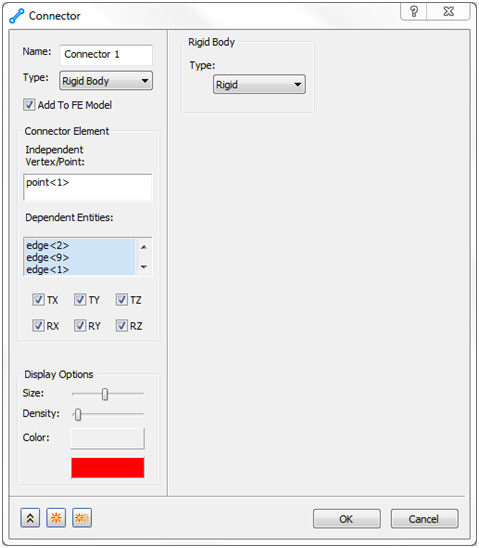
- Select the Rigid Body in the Type drop-down menu, and click the same sketch point where the constraint is defined for Independent Vertex/Point, and the edge curves of the surface that does not have a hole in it for Dependent Entities.
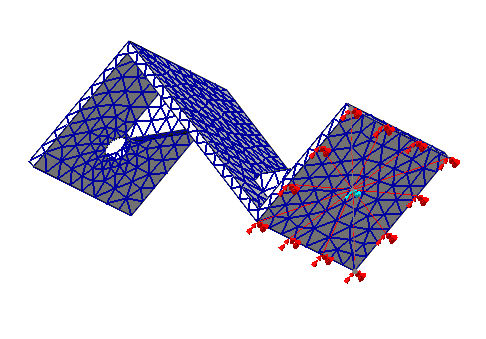
- Click OK to accept the changes. Your model should look as shown below.