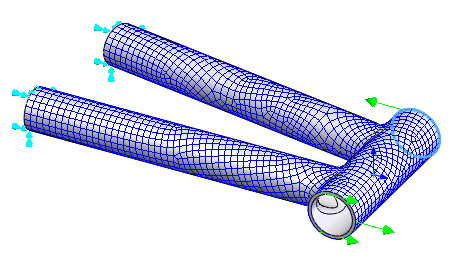
- Right-click on Loads and choose New.
- Select the edge at the top of the head tube, type 100 in the Fx field under Magnitude. Be sure that Subcase 1 is selected in the Subcases list.
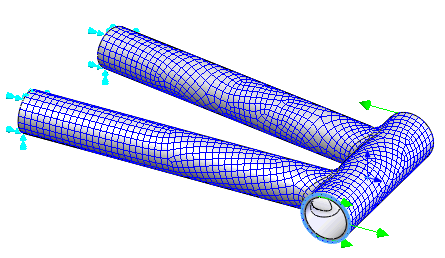
- Click on
 New button to create the second load.
 - Select the edge at the bottom of the head tube, type -100 in the Fx field under Magnitude. Be sure that Subcase 1 is selected in the Subcases list, and then click OK to create the load.