- The results are automatically loaded into Autodesk Nastran In-CAD.
- You will now look at results for various increments.
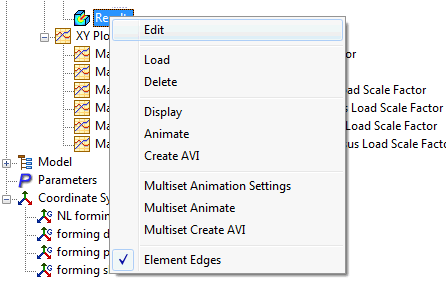
- Right-click on
Results and choose
Edit.
- Select
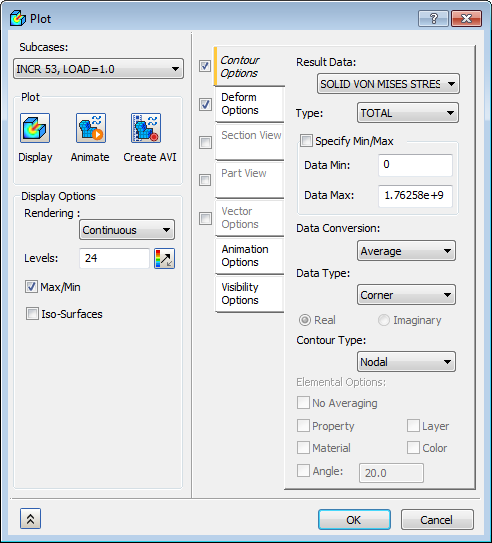
INCR 53, LOAD=1.0 in the
Subcases drop-down menu. Check the
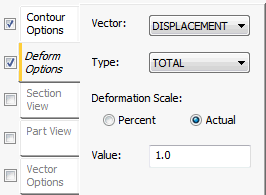
Deform Options and
Contour Options.
- Set the
Deformation Scale to
Actual and click on
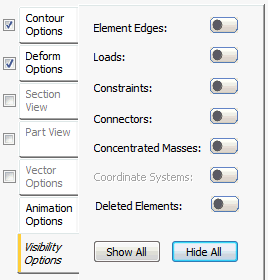
Hide All button to hide all the symbols.
- Select
SOLID VON MISES STRESS for
Result Data under
Contour Options, uncheck
Max/Min under
Display Options and click on the
 Display button. Then click
OK to display the results.
Display button. Then click
OK to display the results.
- Right-click
Mesh Control and select
Hide All.
- The results should look similar to the image below.
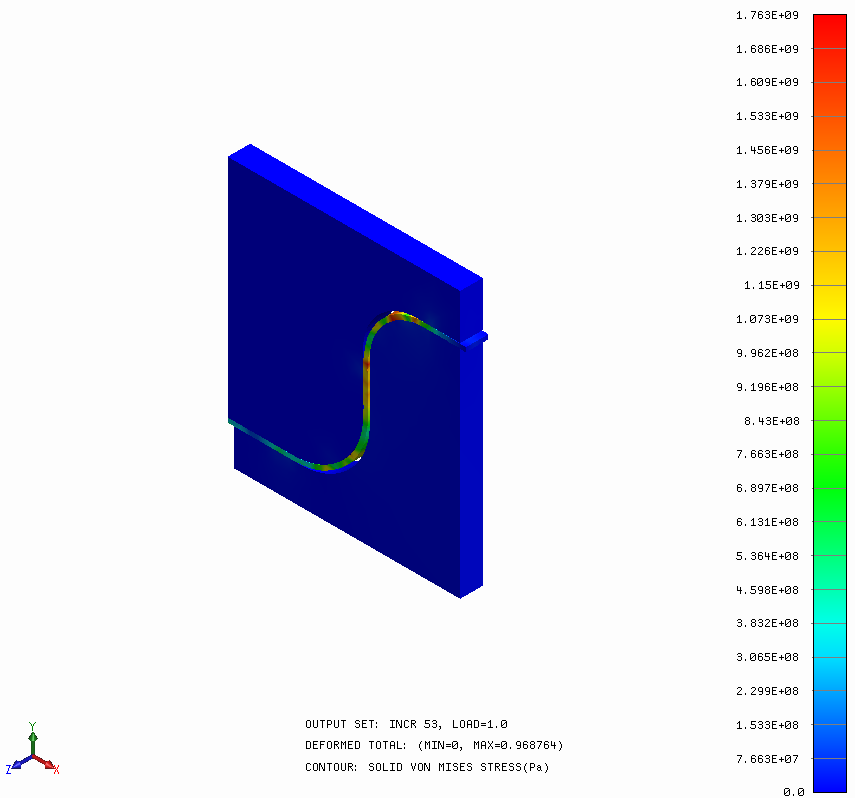
- The deformation plot shows that the sheet had bend and followed the shape of the die and punch.
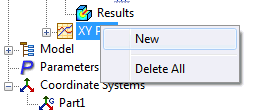
- Right-click
XY Plot and select
New.
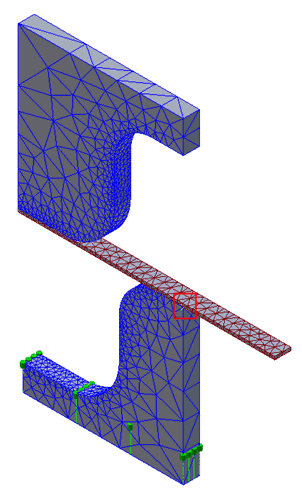
- Select the node at the location where the sheet bends, as shown in the plot below, i.e.
2175, and click on
Show XY Plot.
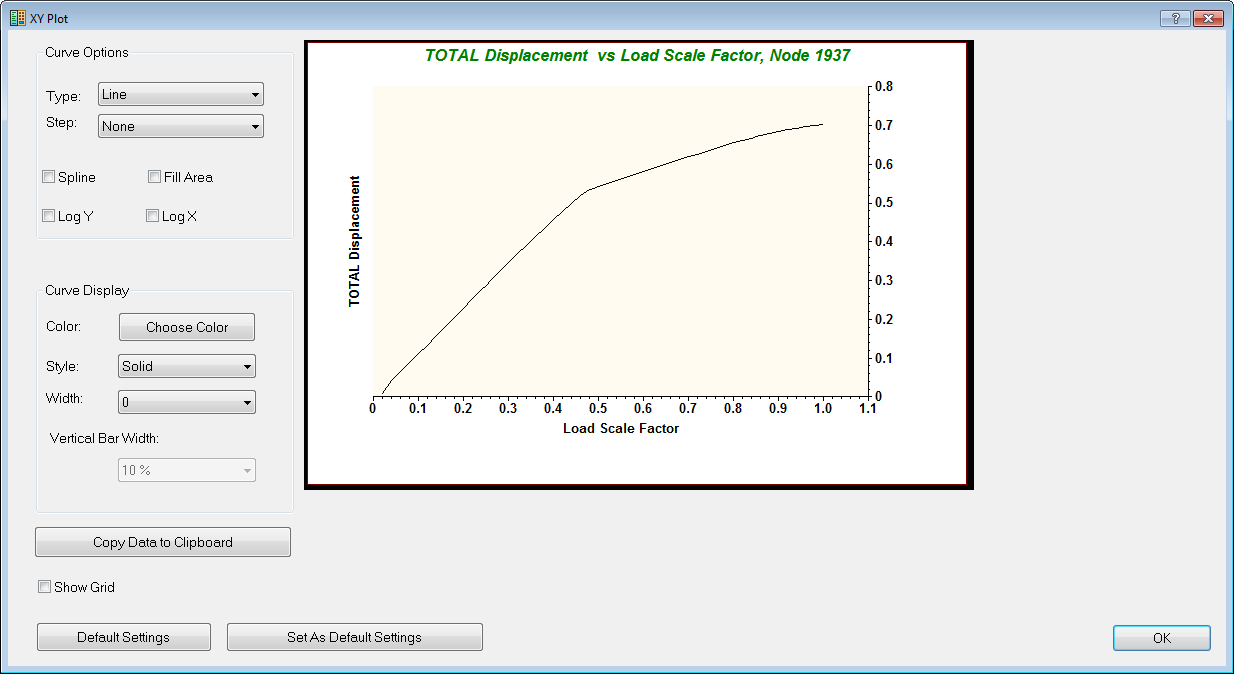
- The plot shows approximately the bilinear curve, i.e. the elasto-plastic behavior is captured in the deformation plot.