To setup Modal Damping for a modal transient analysis, in the Autodesk Nastran In-CAD tree, right-click on Dampings and select New. Then select the Modal Damping checkbox.
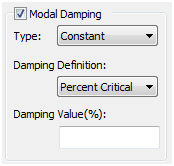
-
Type:
- Constant: For constant modal damping across all frequencies, select Constant and your Damping Value corresponding to the Damping Definition.
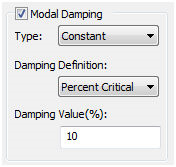
- Variable: For variable modal damping, select Variable and hit New Table to define your damping versus frequency curve.
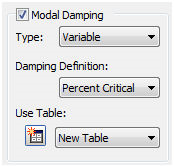
- Constant: For constant modal damping across all frequencies, select Constant and your Damping Value corresponding to the Damping Definition.
-
Damping Definition:
- Percent Critical: Damping values are in the units of critical damping C/C0.
- Quality Factor: Damping values are in the units of amplification or quality factor, Q. Quality factor is calculated by 1/(2C/C0).
- Structural: Damping values are in the units of g=2C/C0.