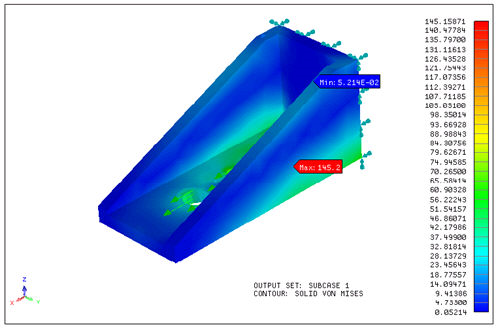
The Autodesk Nastran In-CAD program is a finite element analysis pre- and post-processor embedded in a CAD environment as an Add-In. It is specifically tailored for designers and analysts as a tool for predicting the physical behavior of practically any part or assembly under various boundary conditions.
This easy-to-learn program allows designers to refine their designs without ever leaving its Windows environment by enabling them to analyze the response of parts/assemblies from within their CAD environment for given boundary conditions.
Once Autodesk Nastran In-CAD is installed, it can be enabled by clicking on the Tools – Add-In…
In the Add-Ins dialog box, check/uncheck the box beside Autodesk Nastran In-CAD to enable/disable Autodesk Nastran In-CAD.
Autodesk Nastran In-CAD also offers analysts a large range of solution capabilities, such as virtual simulation of structural, thermal, dynamics, and nonlinear problems.
 If you are working on a large model in the CAD environment, and do not intend to use Autodesk Nastran In-CAD, toggling OFF the Add-In may speed up the CAD interface.