Any annotation (measurements or markups) created within ReCap 360 or Recap 360 Ultimate can now have notes assigned directly to them allowing for a richer form of communication. Title and description text, along with image attachments, can be added to markups at any point by selecting the "edit" tool either on the in-canvas object:
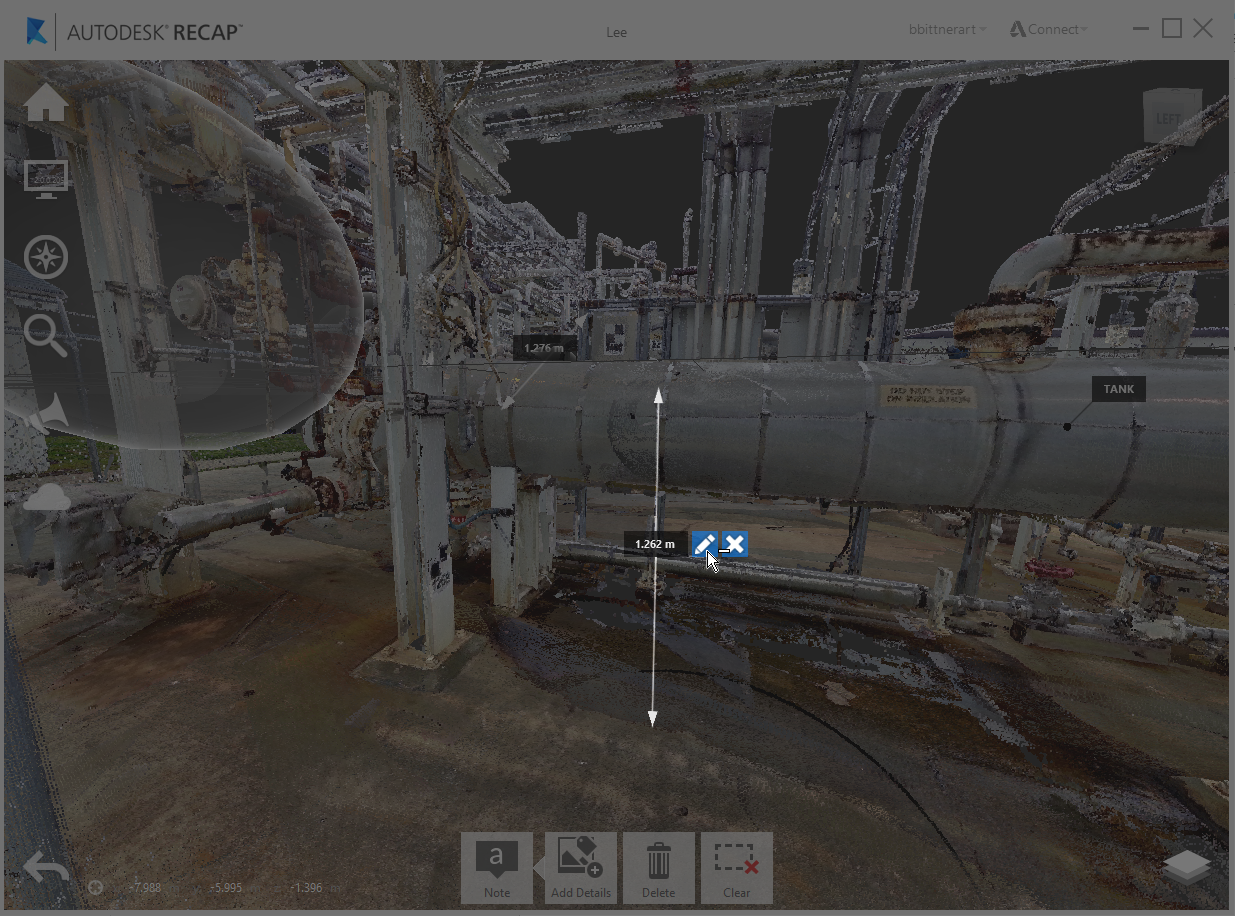
or through its Project Explorer representation:
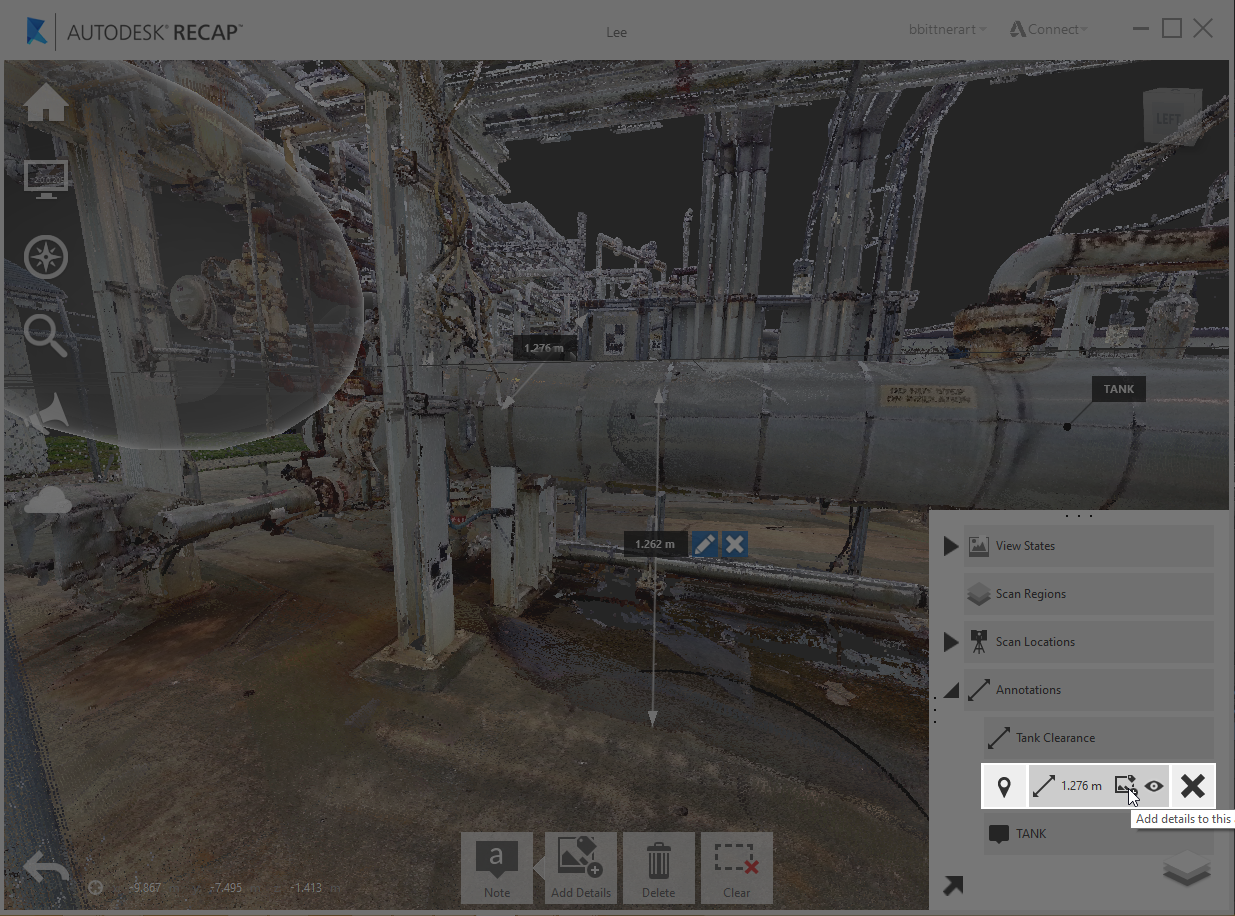
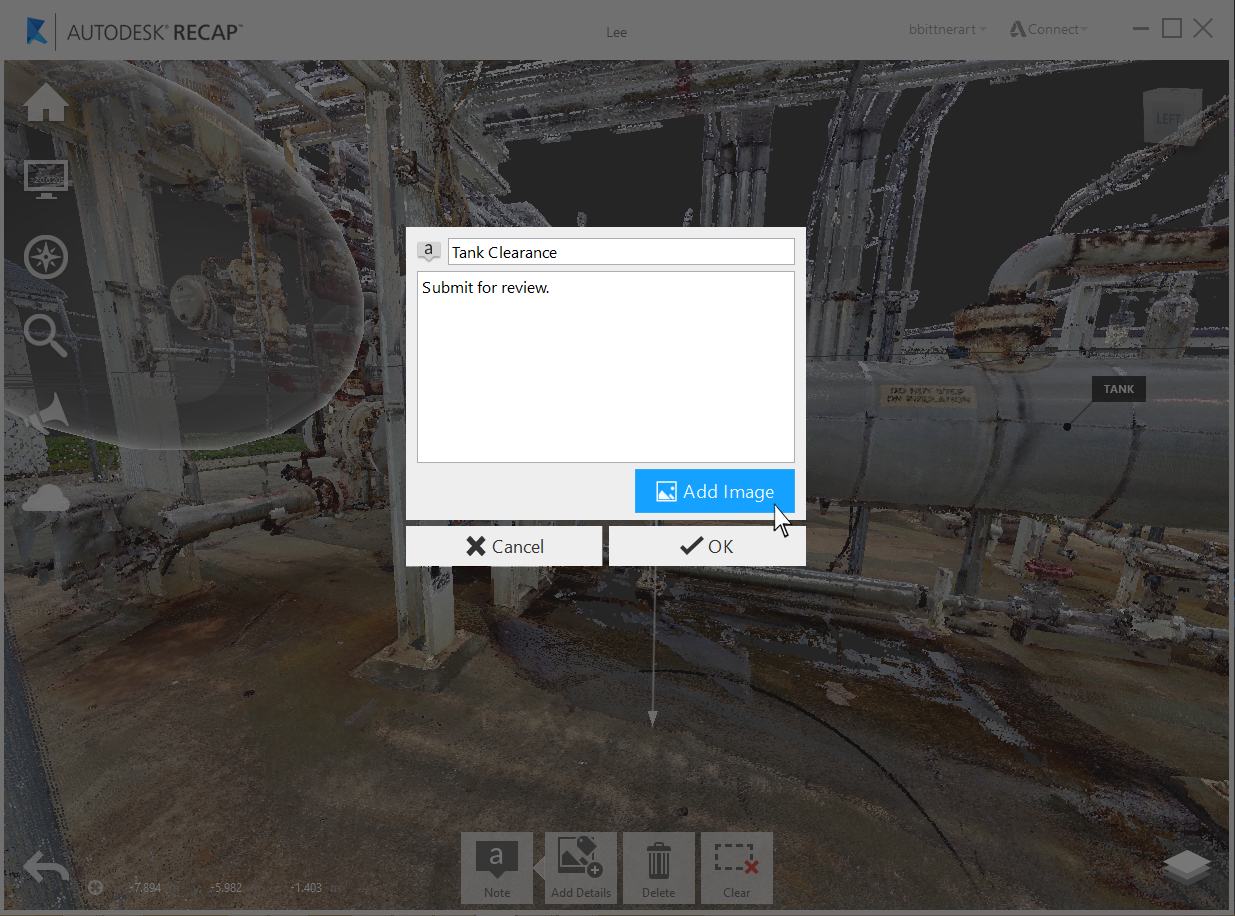
Image attachments can be added as a part of any note. Attachments have a limit of 7 per note.
Once added, any attachments can be viewed through the thumbnail browser or preview window on click.
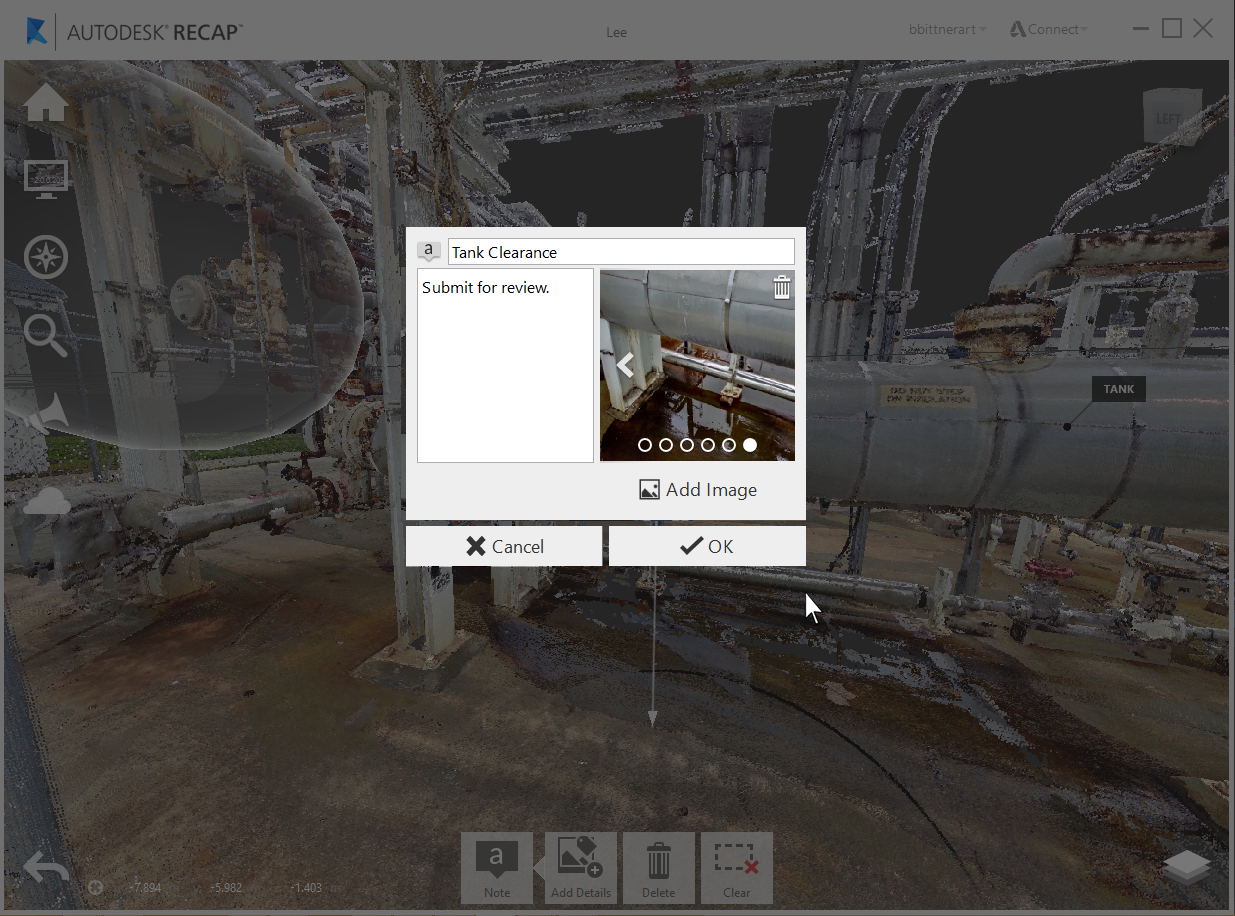
Formats currently supported include: JPG, BMP, PNG, & GIF