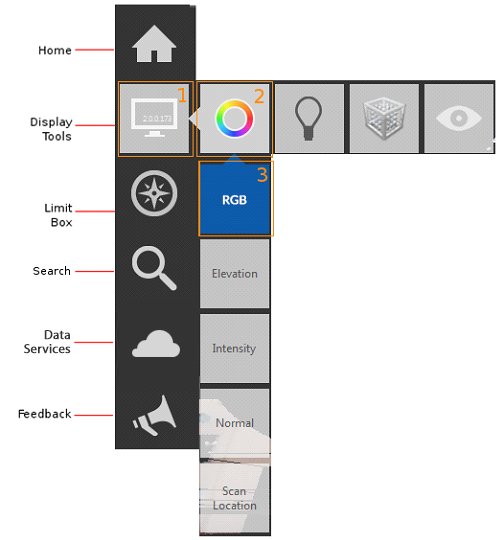
Definitions for common terms.
- clipping
- Provides a way to limit what is displayed in the point cloud. There are two methods for clipping:
- During indexing: As you import scan files, you can set the size of a point cloud by specifying a range that represents the distance from the scanner and the minimum and maximum intensity values.
- On the project screen: Select an area of the point cloud and specify whether to clip inside or outside the boundaries.
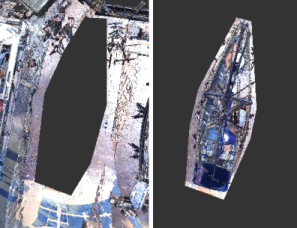
- color modes
- A method of obtaining information about a point cloud by displaying it in colors that indicate information such as elevation, intensity, and normal directions.
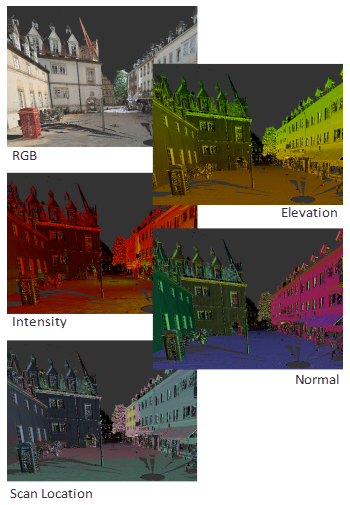
- edge highlighting (lighting settings)
- A display style based on the darkening of points that are inferred to lie on the same plane.
See also: highlight edges.
- elevation
- A view of the model in which the Z axis is pointing up. You can set an Elevation color mode that uses color to identify the height of various elements in the point cloud.
- field of view
- The extents of the camera view. This option is set in Preferences.
- flyout
- In the user interface, a set of tiles (or buttons) that expand and collapse as the cursor moves across the base tile.
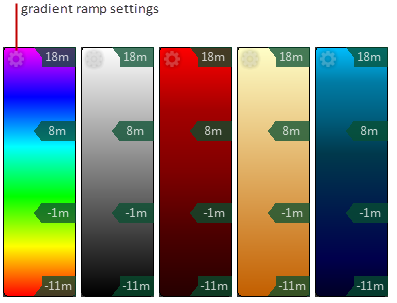
- gradient ramp
- A linear band of colors that represent height (Elevation) or materials (Intensity). You can use one of five preset color schemes or create a custom gradient ramp.
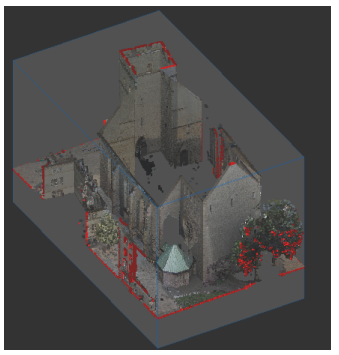
- highlight edges (limit box boundaries)
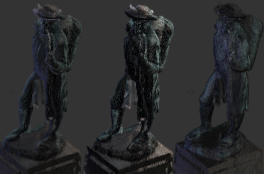
- A method of highlighting the intersection of points with the boundaries of a limit box.
- indexing
-
The process of structuring a raw scan file so that it can be opened in a CAD product.
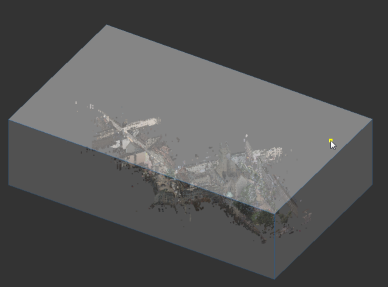
- limit box
- A temporary 3D box that defines the visible extents of the point cloud.
- point cloud face
- A portion of a point cloud in which all the points are in planar alignment.
- points
- An object that occupies a single coordinate location.
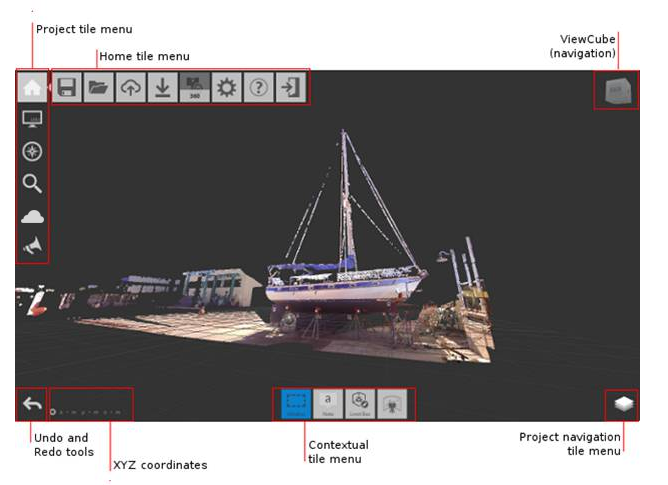
- Project screen
- The screen where you can view and modify aspects of an indexed point cloud.
- scan location
- The location of the scanner when it captured the data.
- scanning
- The process of capturing point data using a 3D laser scanner.
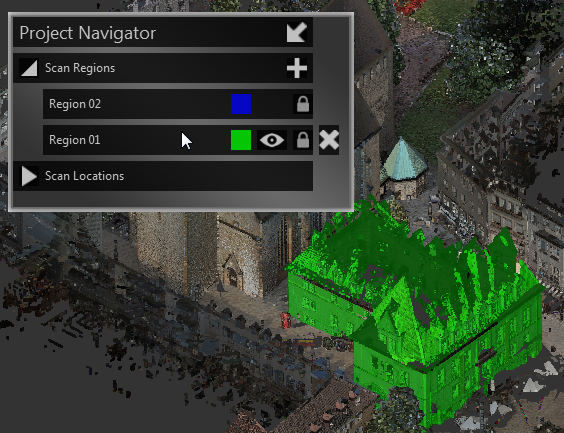
- scan regions
- Non-overlapping areas that are defined in a point cloud for the purpose of filtering the display of meaningful volumes in the scene.
- scene
- The point cloud, as displayed on the Project screen.
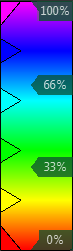
- smooth gradient ramp
- A gradient ramp with a blended transition between colors.
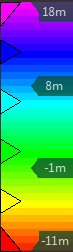
- stepped gradient ramp
- A gradient ramp in which the colors remain distinct from one another.
- tiles
- The "buttons" that initiate activities or change settings.