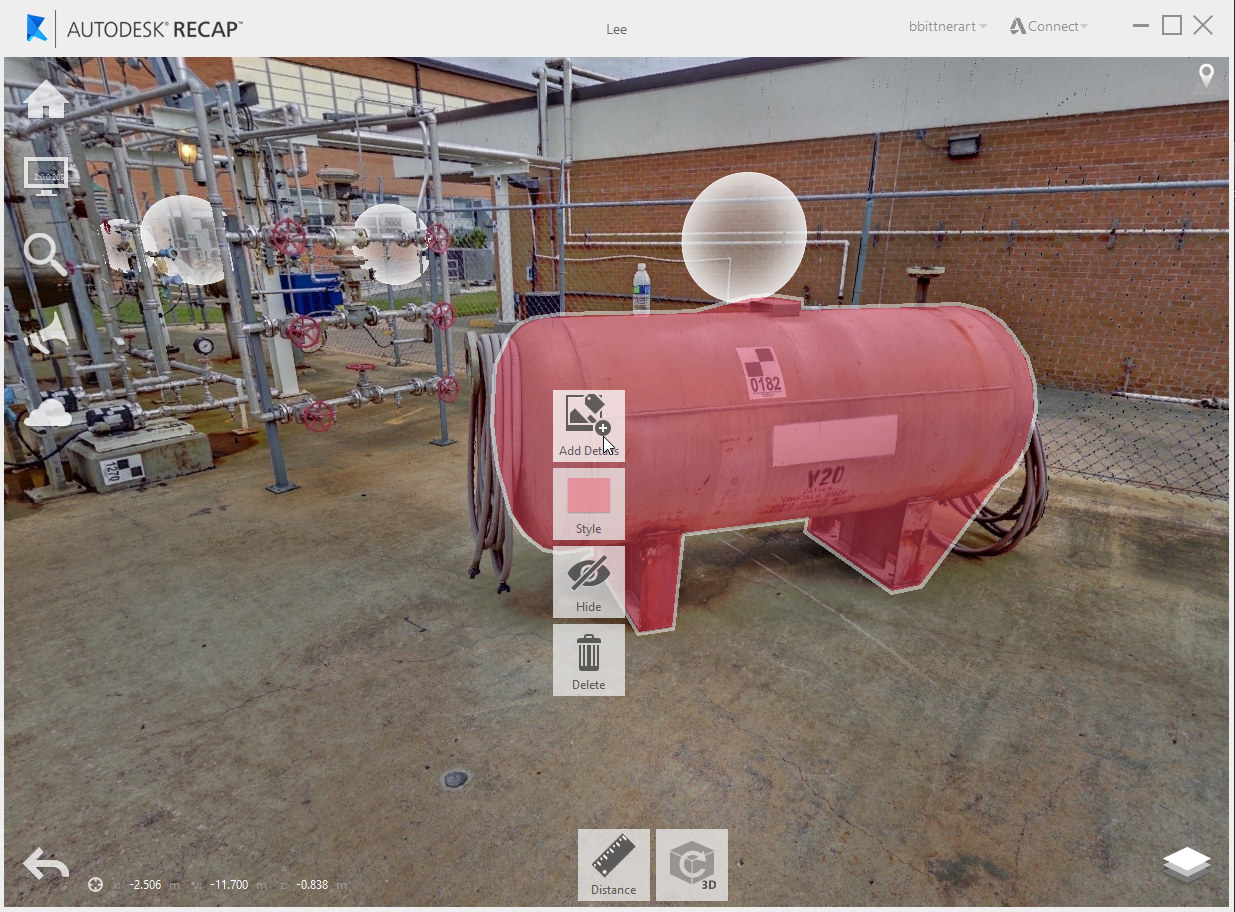
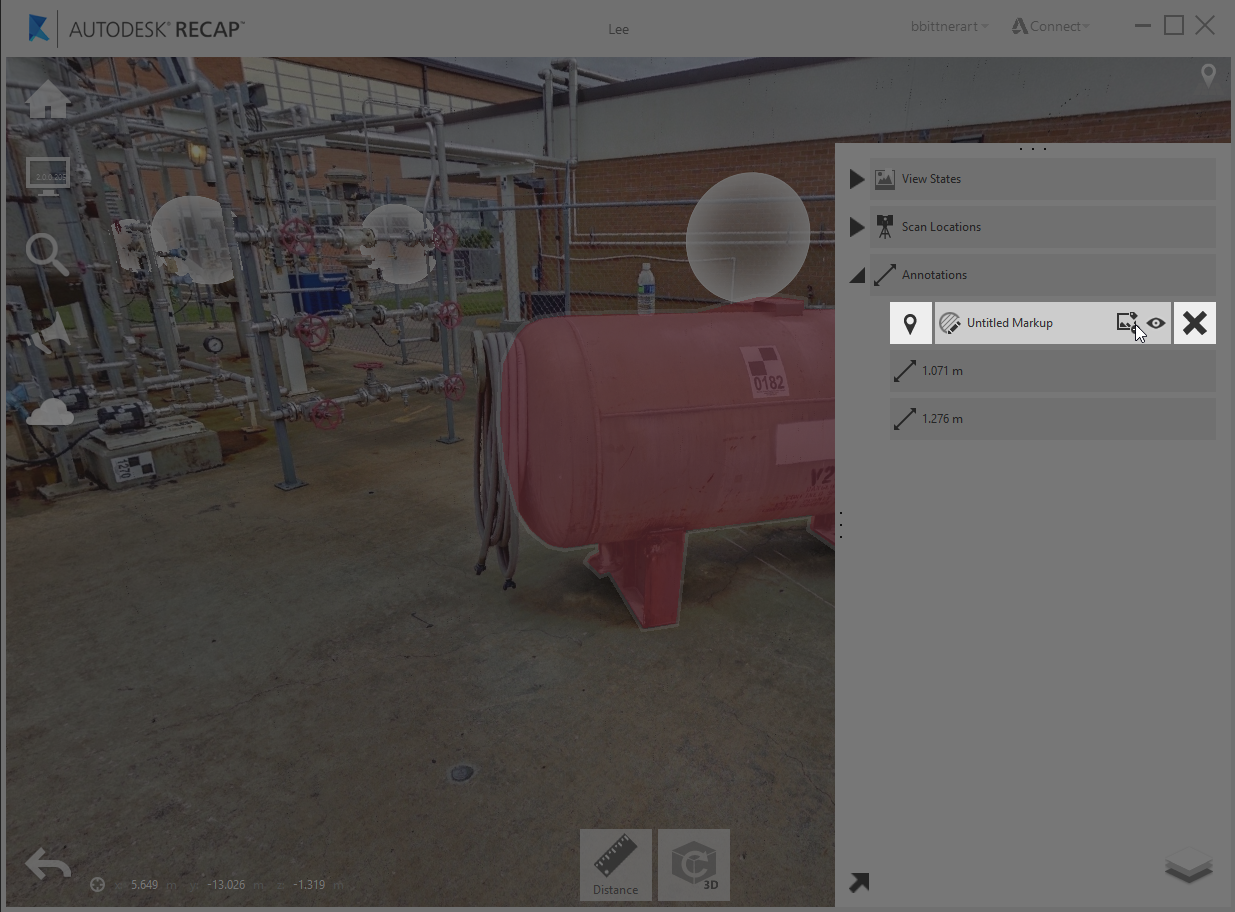
Highlighting of selected regions in 2D view is now available through the markup tool for ReCap 360 and ReCap 360 Ultimate users on both web and desktop:
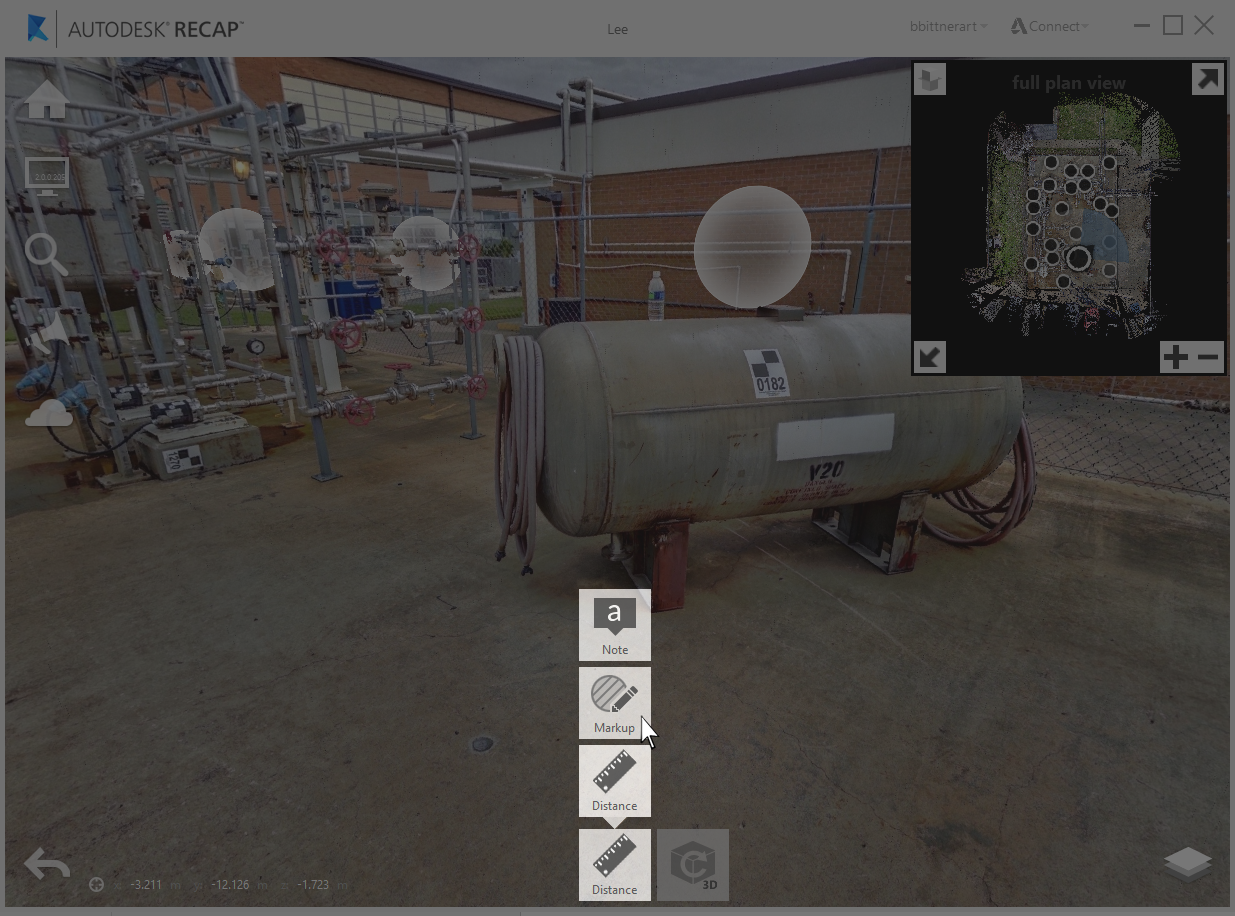
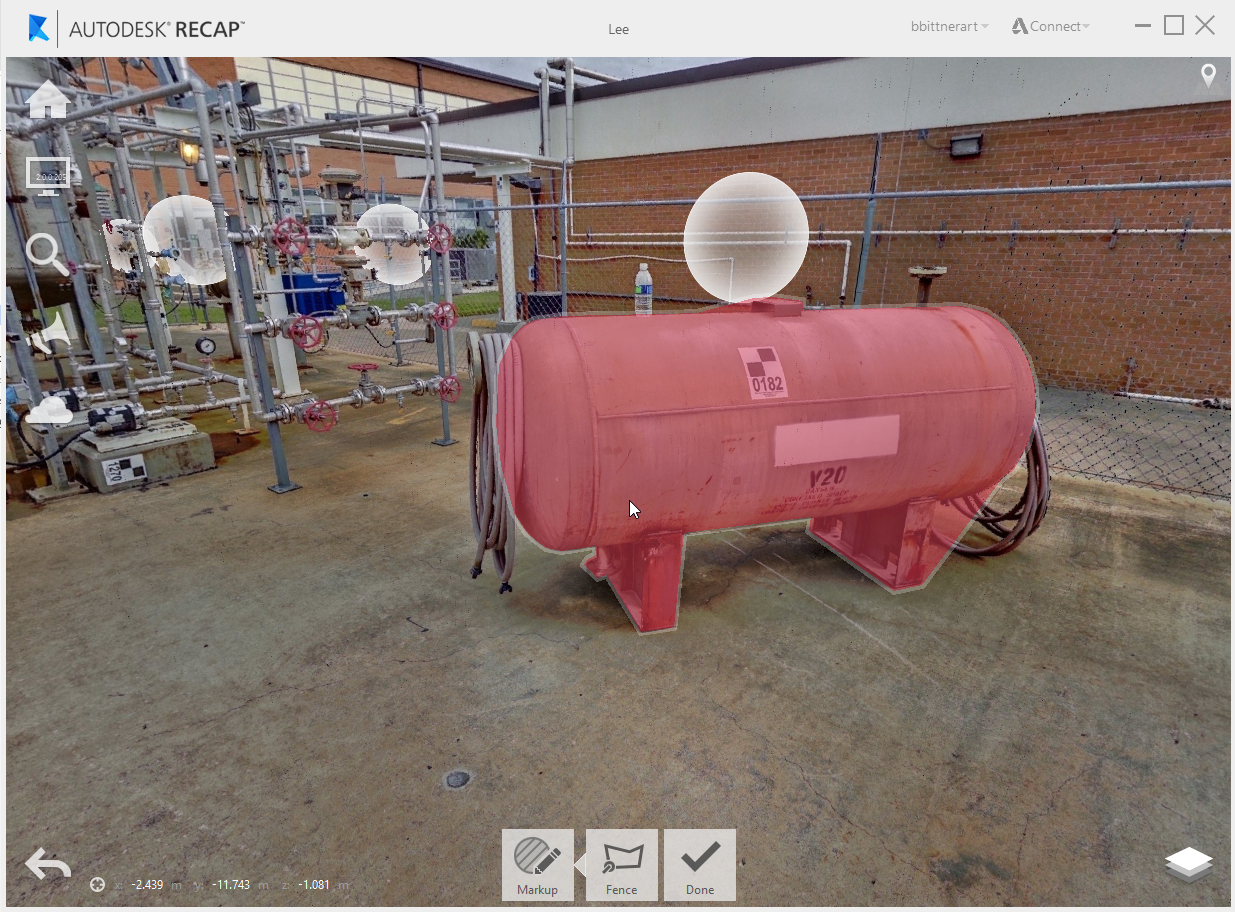
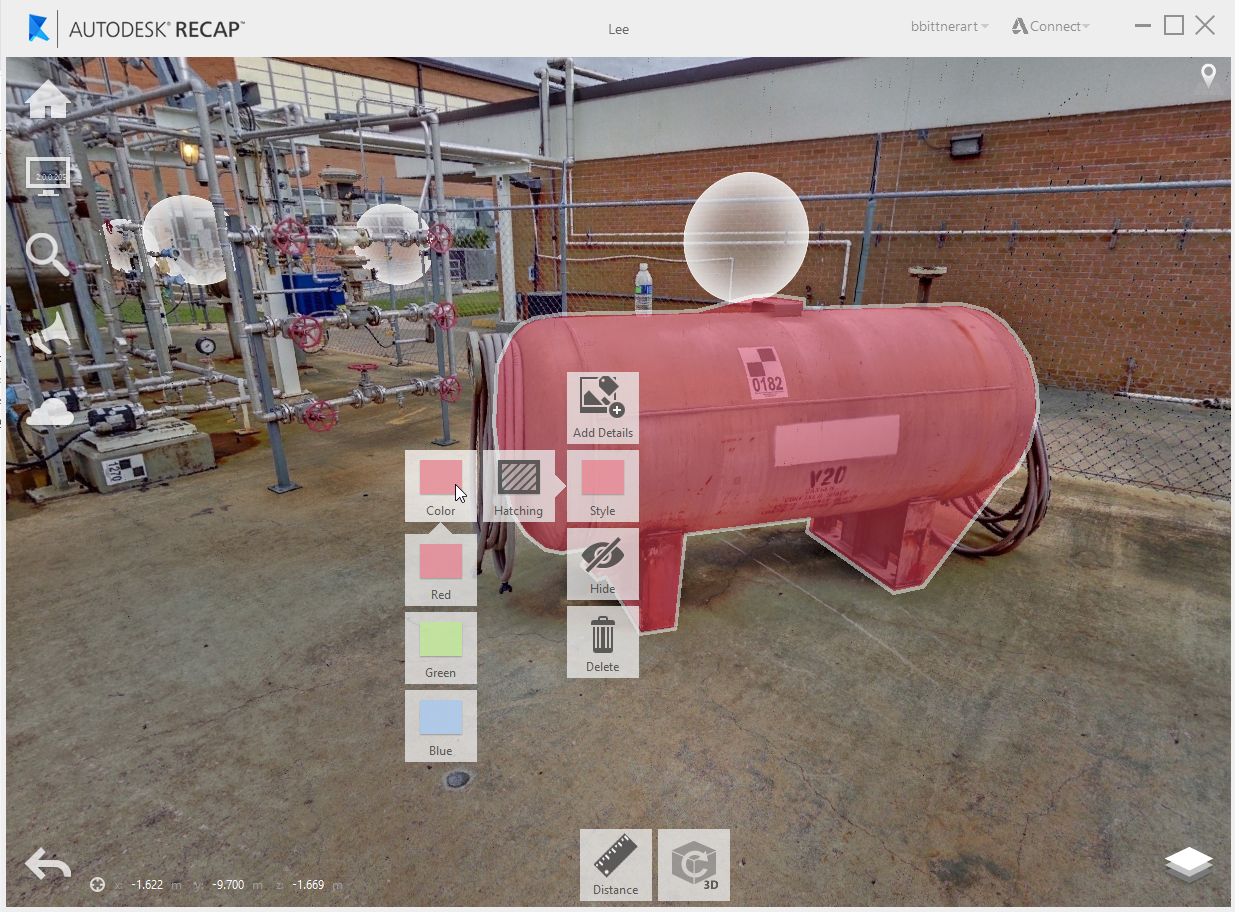
This feature allows for the highlighting of a select region. The means of highlighting the region are similar to the selection workflow and utilize a rectangle and lasso mode.
Note that your markups will only be visible in the same scan view where they were created.
Contextual tools and styling options can be accessed by clicking anywhere on the markup.
Available colors for markup include: Red, Blue, and Green.
Hatching can be toggled on or off as well.
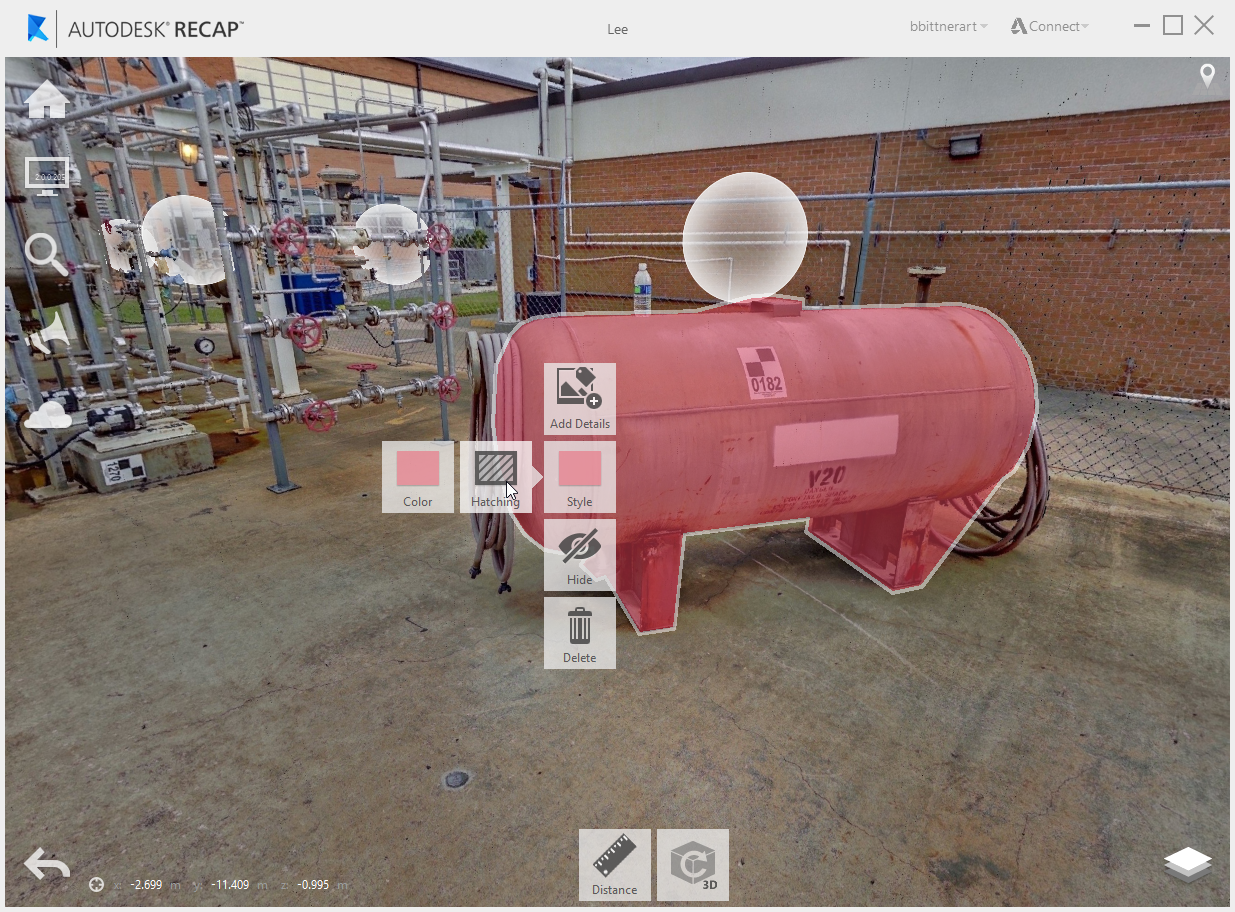
As with other annotations details can be added to markups from the canvas or from the Project Explorer.