Map elements during SMLX section transfers between Advance Steel and Revit using mapping databases.
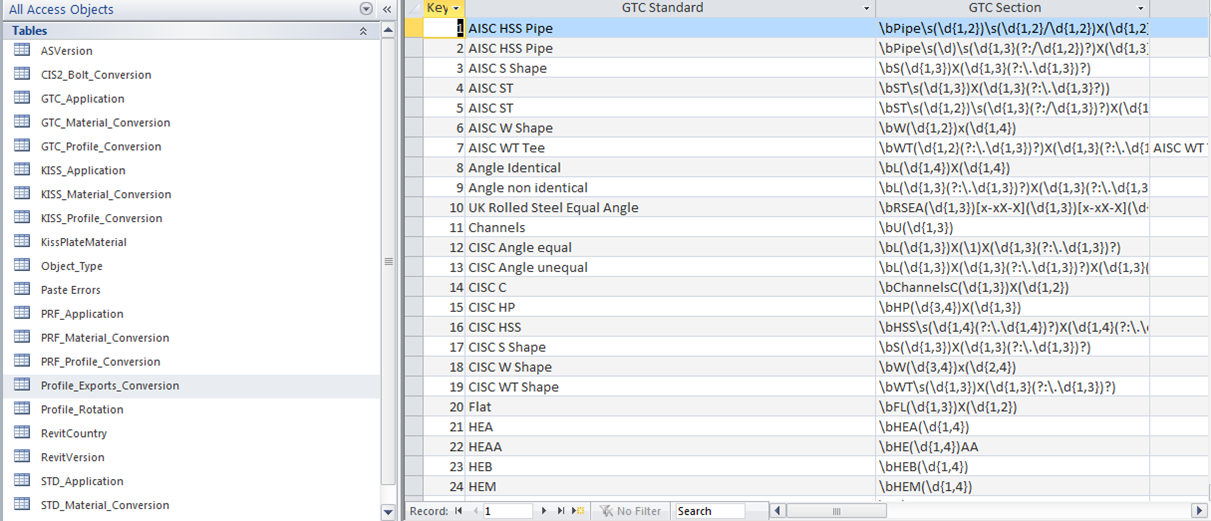
The mapping database is GTCMapping2016.mdb and it can be found in C:\ProgramData\Autodesk\Advance\Data. The database is installed in a Program Data folder and can be accessed and edited with any database editor (e.g. Microsoft Access). The Management Tools Table editor also offers some edit ability (modify new lines, edit them).
The database contains tables related to SMLX Transfer, KISS mapping, PRF conversion and bolt conversion for CIS2 format. It supports mapping definition for profiles, profile rotation, bolts and materials.
.
Mapping can exist as:
- 1 to 1 mapping, where each section size is mapped individually.
- Rule based mapping, where a certain rule (using tokens) will allow the mapping of an entire class in one definition line.

The current version of the Advance Steel Revit extension contains mapping for the most used sections from the US and UK and AUS Revit libraries.
All manual mappings requested by Advance Steel or Revit during import are saved in the database for further use as one to one mapping.
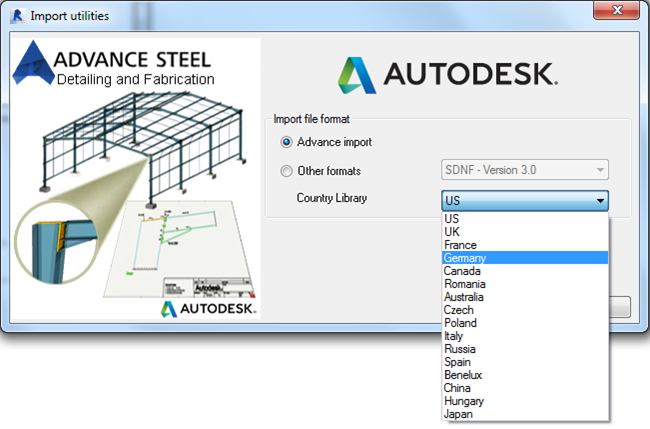
Mapping configuration can be made country dependent; this allows specific selectable country mapping during import / export.