- If Simulation Mechanical is not already running, start it using the desktop shortcut or the Windows® Start Menu. The Open dialog box appears.
- Skip the next step and continue at step 3.
- If Simulation Mechanical is already running, click
 Open on the Quick Access Toolbar (QAT). The Open dialog box appears.
 - If the New or Recent Files option is selected, click the Open icon () in the upper-left corner of the dialog box to browse for other files.
- Navigate to your tutorial models folder.
- Select the Autodesk Simulation Archive (*.ach) option in the Autodesk Simulation Files section of the Files of type drop-down list.
- If the New or Recent Files option is selected, click the Open icon (
- Select the file, Radial Comb.ach.
- Click Open.
- Select the directory where you want the file to be extracted.
- Click OK. The model opens in the FEA Editor environment, as shown below.
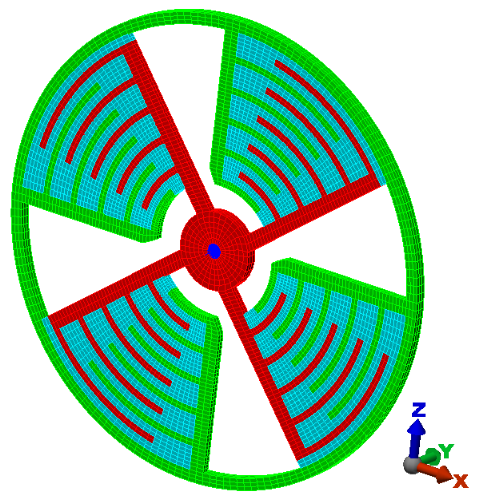
The analysis type has already been set to Electrostatic Field Strength and Voltage as archived.