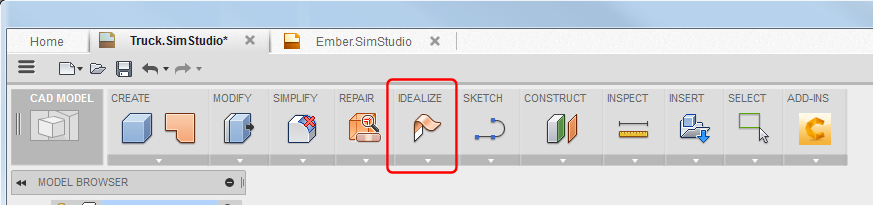
All commands presented here are located in the IDEALIZE panel.
Midsurface Shell
Use IDEALIZE  Midsurface Shell to create midsurface shells from solid bodies.
Command highlights:
- Cursor-based tooltips guide you through the process.
- Bodies should be relatively thin. Command can fail for thicker bodies.
- Results appear in the browser Shells folder.
Offset Shell
Use IDEALIZE Offset Shell to create a shell offset at a distance from the selected face.
Command highlights:
- Cursor-based tooltips guide you through the process.
- Use Chain Selection to automatically select tangentially connected faces.
- Use the manipulators and dialog entry fields to set the Distance.
- Results appear in the browser Shells folder.
Gap Fill
Use IDEALIZE Gap Fill to fill gaps between object edges.
Gap Fill provides you with tools for reconnecting portions of a body that have been midsurfaced. Unlike standard surface creation and modification tools, Gap Fill automatically stitches together bodies near the gap in an attempt to create a connected shell.
Command highlights:
- Cursor-based tooltips guide you through the process.
- Shells are automatically stitched upon completion of the command.
- For Boundary Patch, use Chaining to automatically select connected edges.
- Use Continuity settings to create the appropriate surface curvature:
- Connected creates a surface with G0 edges (the new surface edges are connected at an angle).
- Tangent creates a surface with G1 edges (the new surface edges are tangential).
- Curvature creates a surface with G2 edges (the new surface edges are blended with continuous curvature).