Use the ViewCube and navigation bar commands to change the orientation and view of your model.
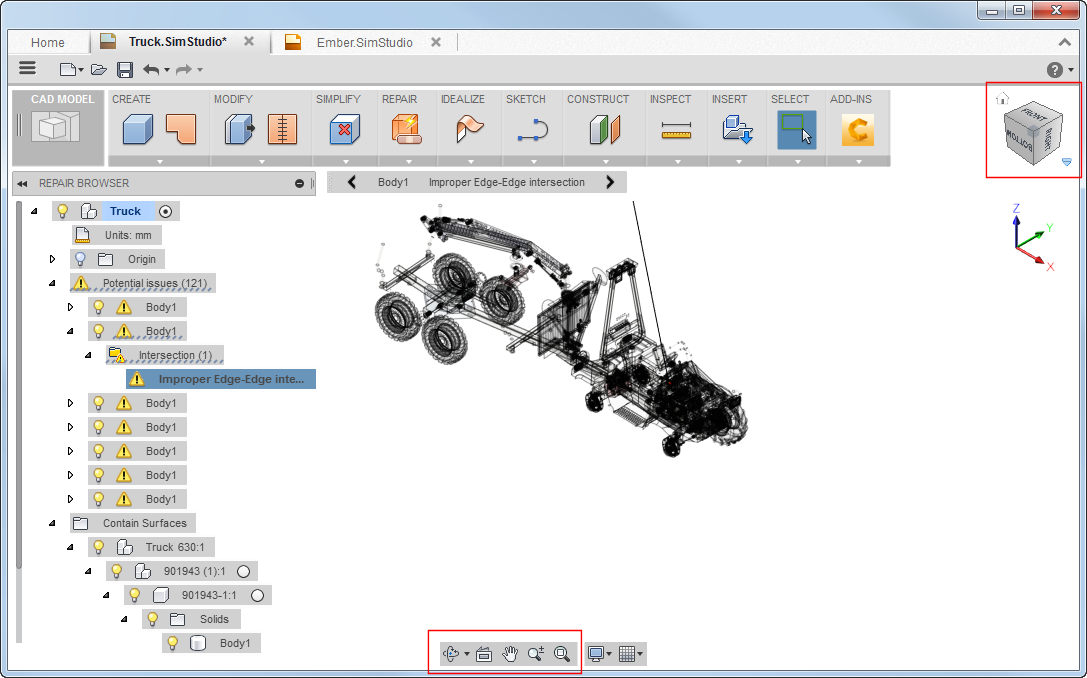
Highlights:
- Click areas of the ViewCube to quickly change view orientations.
- Pause the cursor over the ViewCube and click the drop-down arrows to access settings.
- Use navigation bar commands to also quickly change model views.