Using Manipulators
- Select objects to transform.
- Display the transform manipulator. Click the Transform icon in the icons bar and select which manipulator to display from the drop-down menu or use a keyboard shortcut.
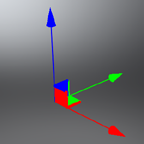
Translate: Shift+w
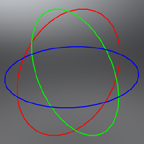
Rotate: Shift+e
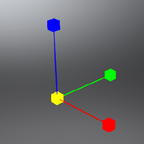
Scale: Shift+r
By Entering Values
- Select objects to transform.
- Toggle the Transform icon on the quick access bar. The Transform module opens.
- Enter the transform values. The value is applied to all selected objects.
When transforming multiple objects at once, the transform module always shows the transformation properties of the last selected object, and the transform manipulator is connected to the last selected object.
Yellow input boxes indicate that the transformation values are different for the selected objects.
When transforming multiple objects at once
-
The transform manipulator is connected to the last selected object.
-
The transform module always shows the transformation properties of the last selected object.
-
Yellow input boxes indicate that the transformation values are different for the selected objects.