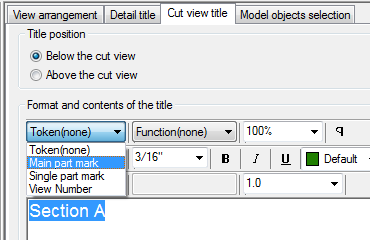
Learn how to control the way the cut view title will appear on the drawing, using the drawing style settings.
In the Drawing style manager, the Cut view title setting controls only how the cut view name will appear and how it will use the information from the symbol (e.g. the label name like A, B…1, 2) plus any other text.
The cut view title configuration page offers the option to control the position of the cut view, and the title content, using a standard text editor.
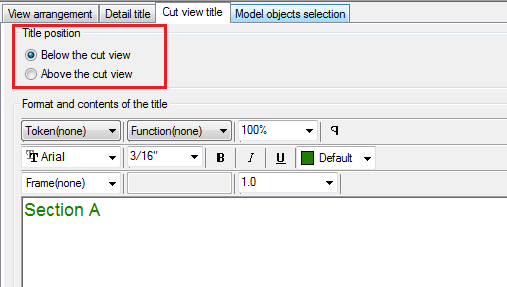
By default, the title configuration contains a name (Section) and a token that will display the value of the cut name, from the cut symbol.
You can add other tokens to form the cut view title, if needed.