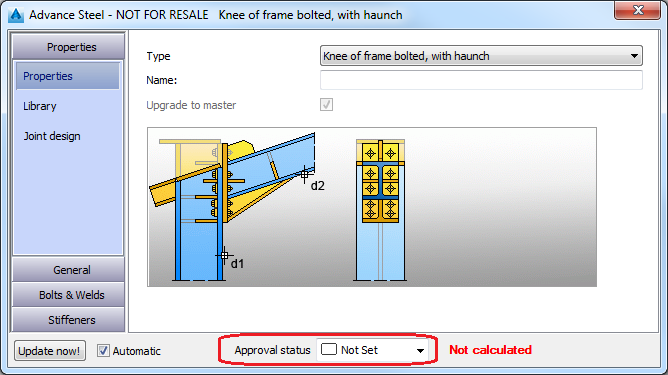
You can mark the fabrication status of a connection.
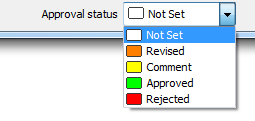
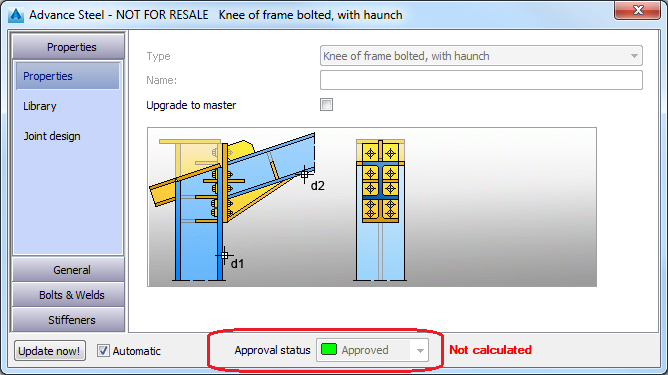
The fabrication status is different from Design Status (which is a "calculation" status). Each status is assigned a color:
Approval status transfer
- When you create a new joint using the
Create by Template
(
 ) or
Create by Template, Multiple
(
) or
Create by Template, Multiple
( ) commands, the original joint Approval Status is not transferred - it will be Not Set.
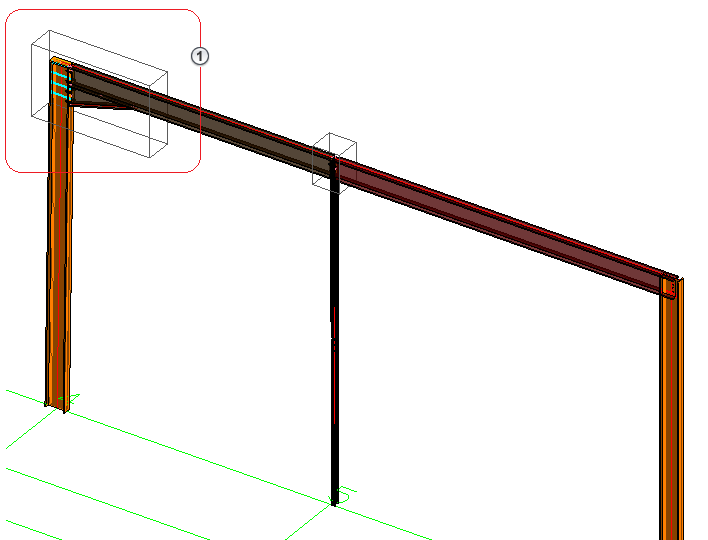

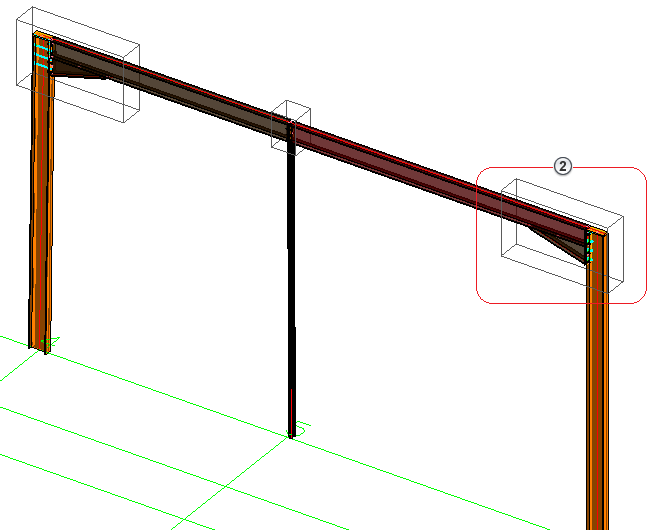
 - original joint.
  - joint created by template.
- When you create a new joint using the
Create Joint in a Joint Group
(
 ) or
Create Joint in a Joint Group, Multiple
(
) or
Create Joint in a Joint Group, Multiple
( ) commands, the master joint Approval Status is transferred - the new joint's Approval Status will be the same as the master joint's Approval Status.
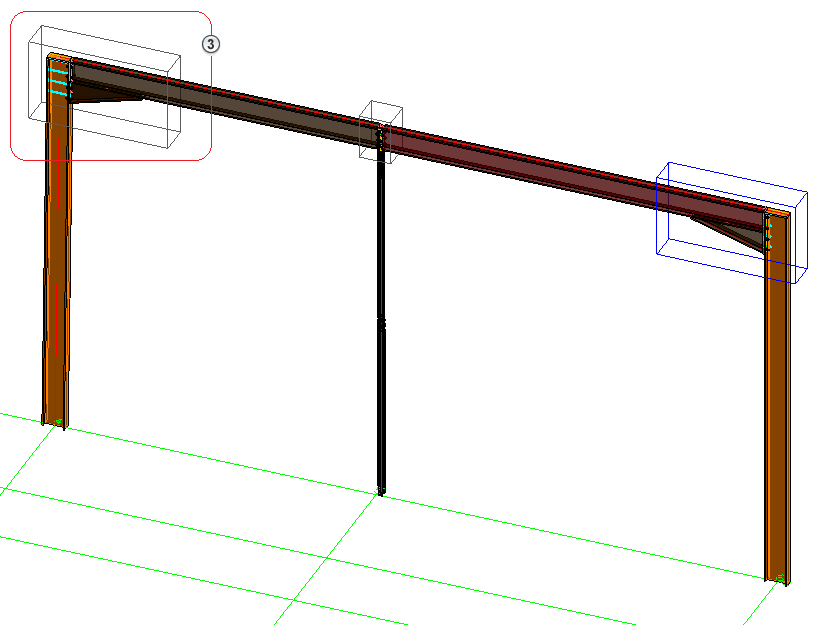

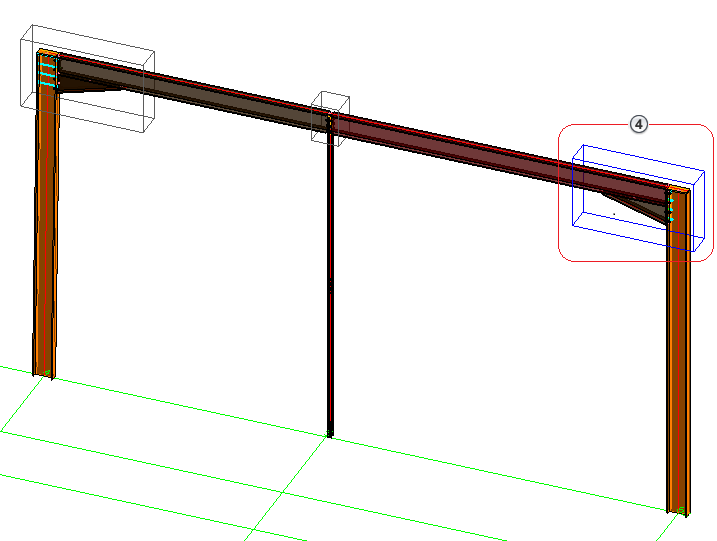
 - original joint.
  - joint created in a group.
- When you create a new joint using the
Add Joint to a Joint Group
(
 ) command, the master joint Approval Status is transferred - the new joint's Approval Status will be the same as the master joint's Approval Status.
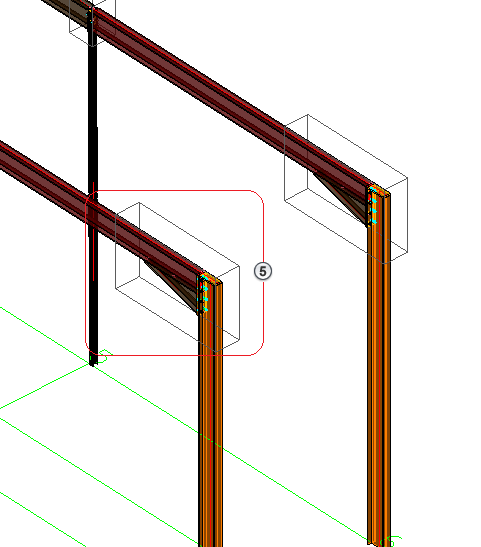
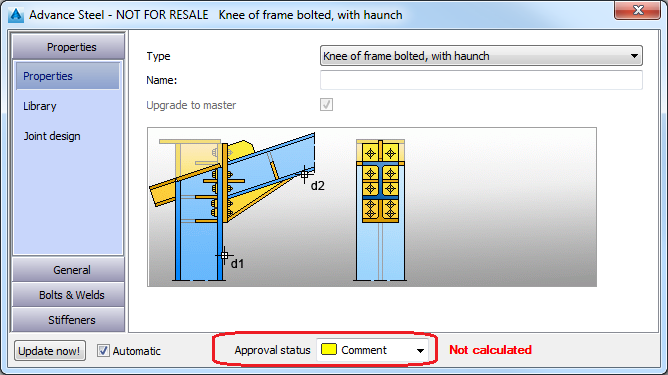
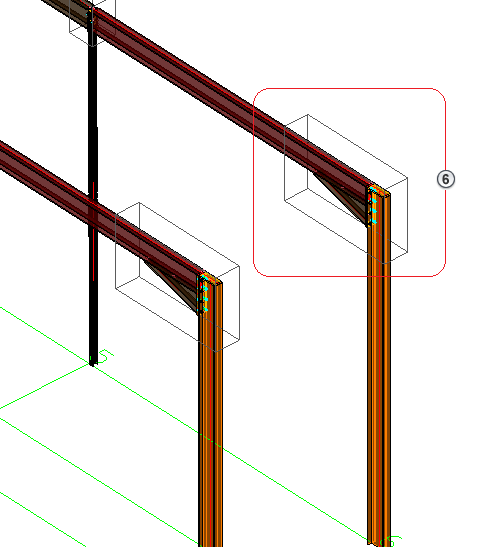
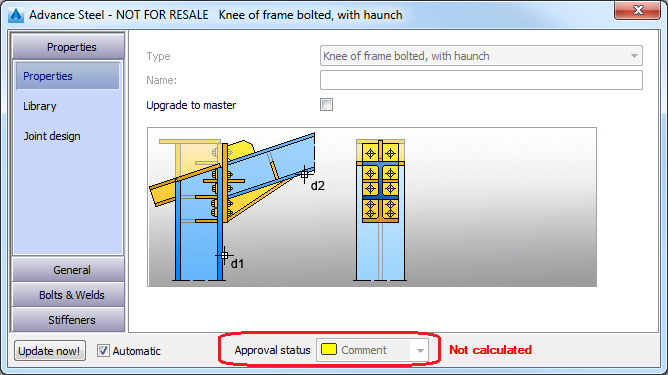
 - original (master) joint.
  - joint added to a group.
- When you use the
Remove Joint from a Joint Group
(
 ) command, Approval Status doesn't change.
 If a joint is removed from a joint group (_AstorDetachSlaveJointFromMaster), the detached joint approval status will remain the same as before.