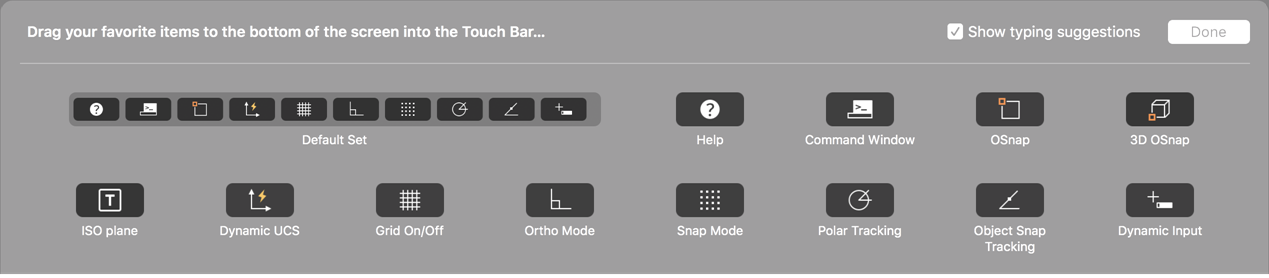
Select from the list of available commands to customize the touch bar.
- Select .
- Select from the list of available commands and drag to the bottom of the screen to drop on to the touch bar.
- On the touch bar, drag a command to change its position.
- Drag the command off the touch bar to remove it.
- Click Done to exit.