Select multiple control points to translate, scale, or rotate all or part of the mesh while maintaining the spatial relationship between the selected control points.
To select multiple control points:
- In Warper menu, click Select.
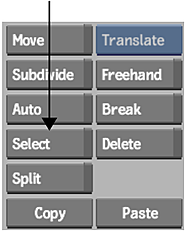
- Hold down the Ctrl key and drag a selection box over the control points that you want to select.Note: To deselect individual points, click the points. To deselect all, click outside the area of selected control points.