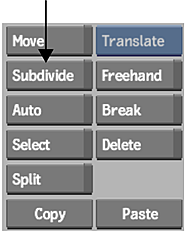
You can divide patches in a mesh into smaller subpatches and split the edges into smaller segments using the Subdivide button.
To subdivide a patch:
- In the Warper menu, click Subdivide.
- Click the edge of a patch and drag the cursor to the opposite edge.Note: To delete an edge created with Subdivide, enable Delete and click the edge.