Use the Alignment to Path section of the 3D Path tab to set orientation behaviour.
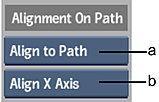 (a) Alignment option box (b) Orientation Axis box |
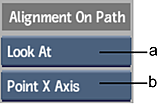 (a) Alignment option box (b) Point Axis box |
- Alignment option box
- Select how the object connected to the 3D Path node aligns to the path.
Select: To: Example: Align Off Not align the attached object to the path. In this case, the Orientation Axis box and banking controls are unavailable. This can be useful for vertical text effects. 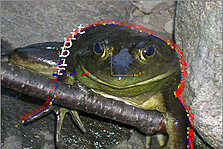
Align to Path Align the attached object to the 3D path. You can then select which axis is aligned to the path in the Orientation Axis box, and use the banking controls. 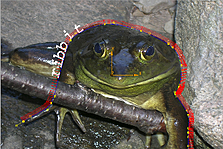
Look At Point the attached object to a look-at object, such as a light. You can then select which axis is pointed to the look-at object in the Point Axis box, and use the banking controls. See Applying a Look-At Connection. 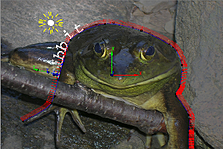
- Orientation Axis box
- Select which axis is aligned to the path. Available when Align to Path is selected in the Alignment option box.
- Point Axis box
- Select which axis is pointed to the attached look-at object. Available when Look At is selected in the Alignment option box.