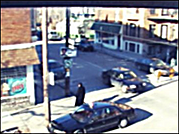
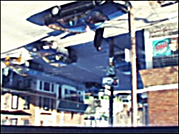
Use the Flip or Flop tool to change your shot's orientation.
 |
 |
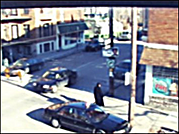 |
| Original Image | Flipped image | Flopped image |
To change the orientation of a shot:
- Display the Reposition menu. See Accessing the Reposition Menu.
- Enable one or both orientation tools.
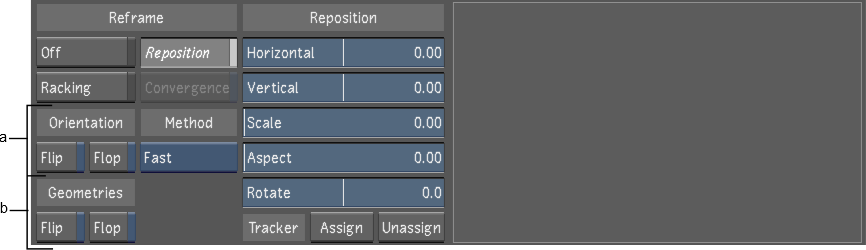
(a) Orientation tools (b) Geometries tools
Enable: To: Flip Apply a horizontal translation to the image. Flop Apply a vertical translation to the image. If you have geometries associated to secondaries, you can apply a horizontal or vertical translation to the geometries, independently of the image's orientation, using the Geometries tools. By default, the geometries will follow the image's orientation.
Enable: To: Flip Apply a horizontal translation to the geometries. Flop Apply a vertical translation to the geometries. Note: When applying a flip or a flop to Stereo3D content from inverted camera rigs, it is important to also enable to corresponding Geometries Flip / Flop to avoid issue when drawing shapes in Sync mode. Flipped or flopped Stereo3D content should always have the same Geometry orientation, regardless of whether or not there are geometries in the shot to avoid issues if you add geometries to the shot later.