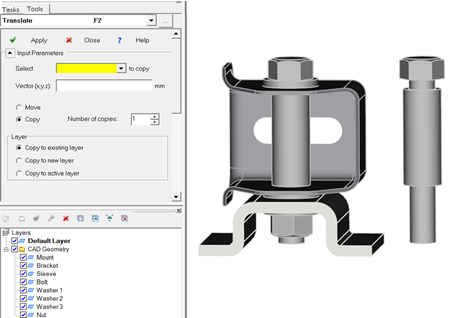
You can now copy individual CAD components within an assembly.
In previous releases, you could copy meshes, you could copy curves, and you could copy entire CAD assemblies. With the 2017.3 release you can also copy selected CAD components within an assembly.
-
Select the CAD geometry that you want to duplicate.
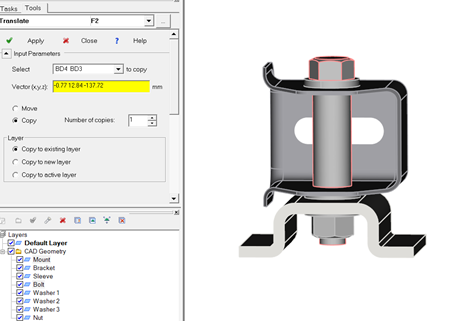
- Click ()
- Type the vector for the copied CAD geometry.
-
Decide which layer you would like CAD geometry copied to.