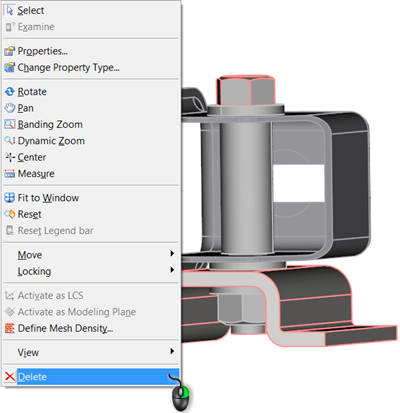
You can now delete components within an assembly, without deleting the entire assembly.
With previous releases, an attempt to delete any component of an assembly would prompt removal of the entire assembly. With the release of 2017.3, you can now simplify the model by deleting individual components of an assembly that are irrelevant from the solver analysis perspective.
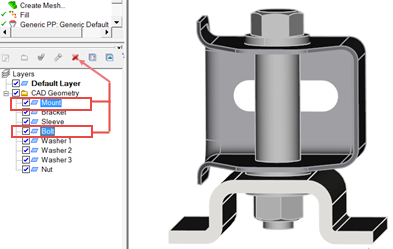
You can delete a CAD component by deleting the layer to which it is assigned:
Alternatively, you can select the components of the assembly in the Model Pane, right-click and select Delete from the drop-down menu: