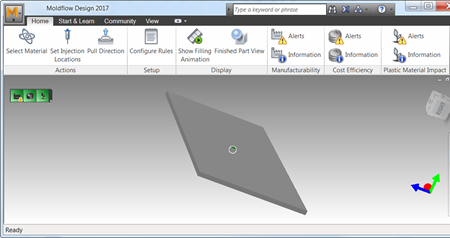
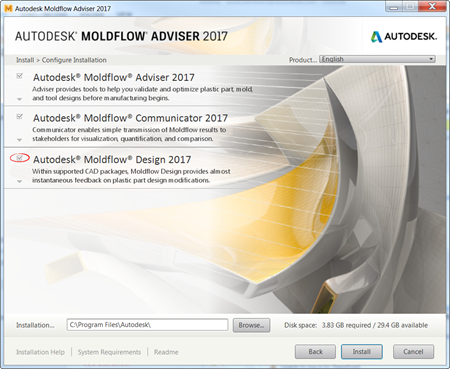
Autodesk Moldflow Adviser is now bundled together with Autodesk Moldflow Design in the same installation package.
If you would rather not install this application, deselect it as you proceed through the Autodesk Moldflow Adviser installation.
Advantages
Autodesk Moldflow Design can be launched alone or used as a widget in the following CAD packages:
- Autodesk Inventor 2016
- Autodesk Inventor 2017
- Autodesk Inventor LT 2016
- Autodesk Inventor LT 2017
- Creo™ Parametric 2.0
- Creo™ Parametric 3.0
- Dassault Systèmes® Solidworks 2015
- Dassault Systèmes® SolidWorks 2016
Autodesk Moldflow Design gives feedback on the implications of design decisions via a set of three icons that represent the manufacturability, cost, and environmental impact considerations.

Vary a part feature dimension, and both the manufacturability and the cost could change. Select an alternate material and get quick feedback on the cost and environmental impact of the choice.
Most of the parameters used to calculate these indicators are configurable, making the results relevant to the type of project being undertaken.