The Select tool is used to pick individual or multiple entities, either for modeling purposes or to change their properties.
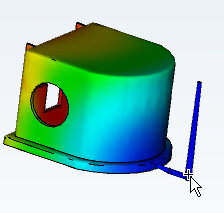
Once selected, you can perform different operations on the entity.
- Use the Select tool
-
- Click
 () from the ribbon, or from the Navigation bar.
 - Move the cursor to the model and click on an entity. All selected entities will turn pink.
- To select multiple entities, click the left mouse button, then drag the mouse to draw a box around the entities of interest.
- Click