
Click to manage the materials in the library. You can create new materials, delete unwanted ones, and copy a material to use as a basis for defining a new one.
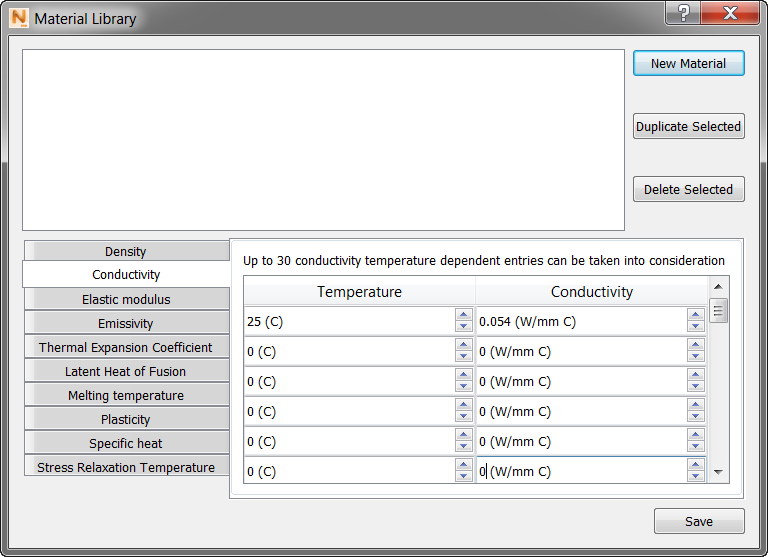
When creating a new material, you first specify the name, and then the various physical properties in your choice of units. To change the system of units shown here, go to the Simulation menu

 Settings General tab, and open the Units drop-down menu.
There are some minimum requirements for material properties, depending on how the material is used. For build plates, the minimum requirements are Thermal Conductivity, Density, Specific Heat, Coefficient of Thermal Expansion, and Elastic Modulus. These same properties are required for PRM generation, as well as Plasticity data.