
Review and modify the build plate dimensions in the Build Plate Dimensions window.
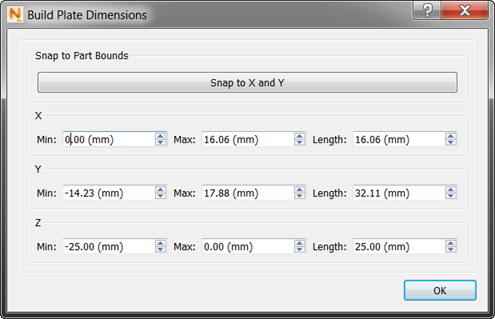
You see adjustment fields for each axis. Use the Z control for setting the build plate thickness. If you want the build plate to be a rectangle the same size as the model base, click ‘Snap to X and Y’.
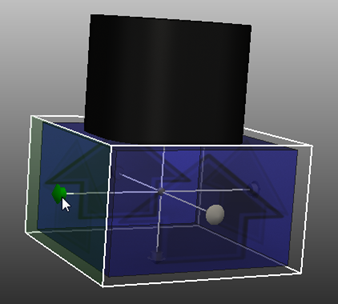
While the Build Plate Dimensions dialog is open, a knob appears on each axis that you can use to manually adjust the build plate dimensions.