
Click to review past and current simulation jobs.
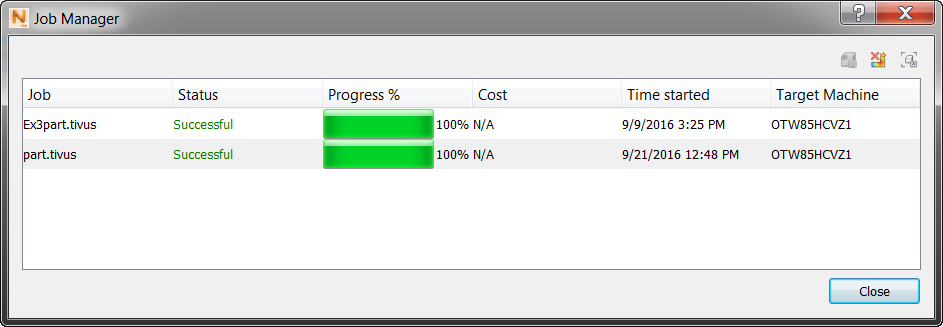
Three controls in the upper right of the dialog are used as follows:
 Cancel Analysis. Select the running job you want to cancel, then click this control. Both simulations and PRM file generations can be cancelled with this control.
 Hide one or more selected jobs.
 View Logs. Select a job and click this control to review the job progress and see any messages. Same as the View Logs control on the Home tab.