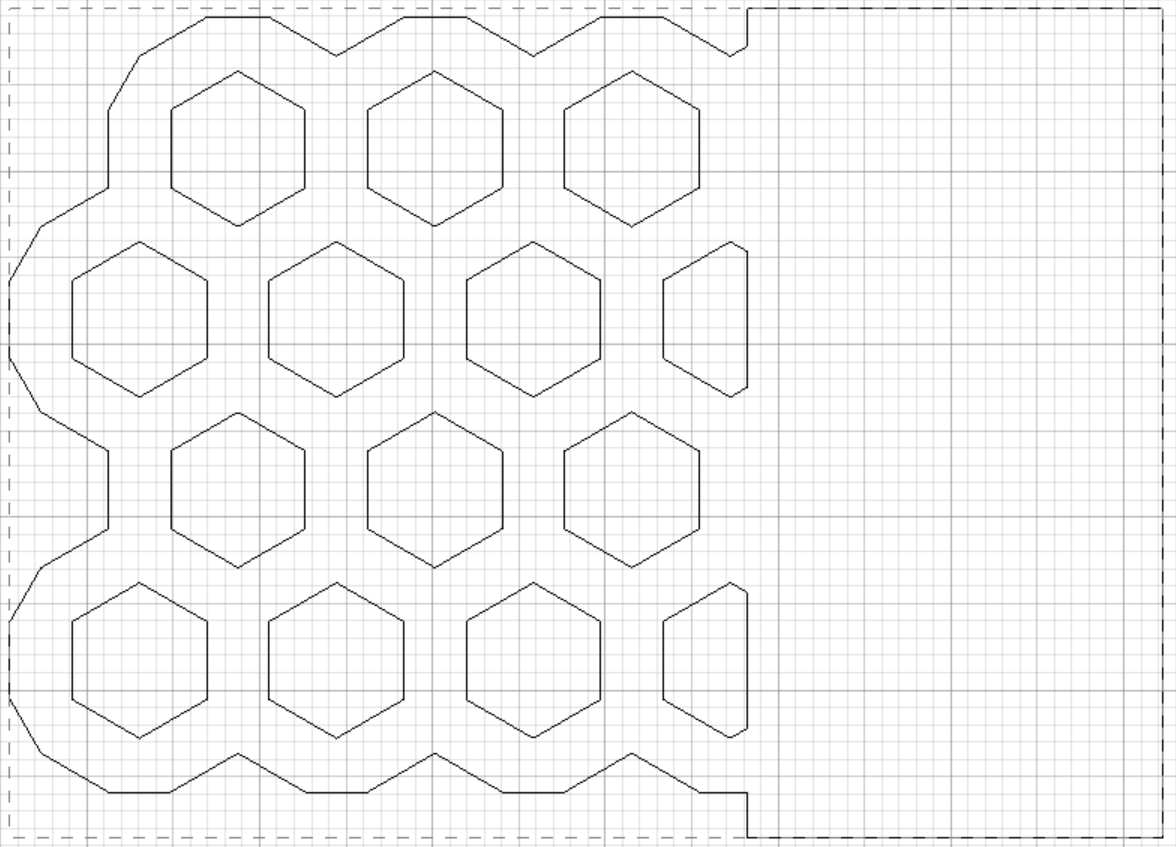
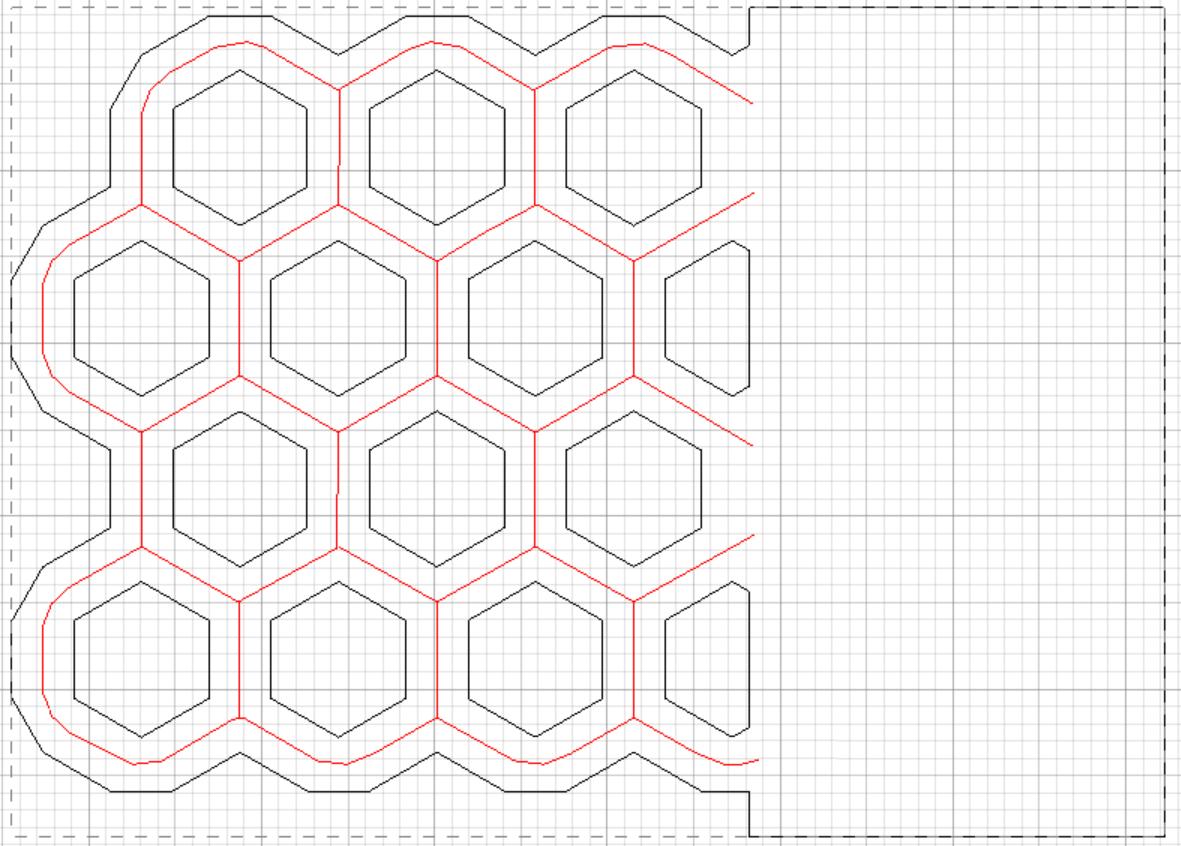
Thin walls might be removed while performing a beam compensation (see offset filter). The thinwalls filter allows to compensate this and detect thin walls, while creating hatch lines which follow the skeleton of the polygon to allow painting a figure with a single laser beam.
| Parameter | Default Value | Description |
|---|---|---|
| Offset | mandatory | Thickness of the walls (in mm) to be considered. |
| Terminal shortening | 0 | Determines how far the end vectors in corners will be shortened to not overdraw sharp angle corners. |
| Only each ... layer | 1 | Determines if only every n-th layer will be used |
| Layer offset | 0 | If onlyeachlayer is larger than 1, there is an ambiguity where the layer selection should start. A layer offset allows you to control the behavior, for example, use either each second layer, or each second-plus-one-th layer. |
| Randomized seam | yes | Redefines the seam of the resulting contour to either:
|
XML Configuration example code: