 The current selection is inserted into the project as own part and is added to the parts section of the project tree. That way, for example, surfaces or single shells can be added to the project for subsequent operations. On request, you can either keep the extracted triangles in the repair or delete them.
This function can be used to start a second repair module for the extracted sections or shells only. So, you can conduct general, semi-automatic repair operations only for these extracted triangles. If you do so, delete the selection when you extracted them from the first repair and, after you have applied the second repair, use drag & drop in the project tree to move the part back into the first repair.
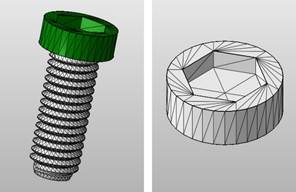
Make a selection and extract it as own part.